Tool · Free · No sign-up
Video bitrate calculator and file size calculator
Get file size from duration and bitrate, or the bitrate you need to hit a target size.
- Runs in your browser
- MB · GB · Mbps
- FFmpeg command
Details
File size (MB) = (video + audio bitrate in Mbps) × seconds ÷ 8. Use it to see how big an export will be, how far to drop the bitrate to fit an upload limit, or how many minutes your card records. YouTube, Vimeo and Apple ProRes values come from the official docs. Nothing is uploaded; the math runs in your browser.
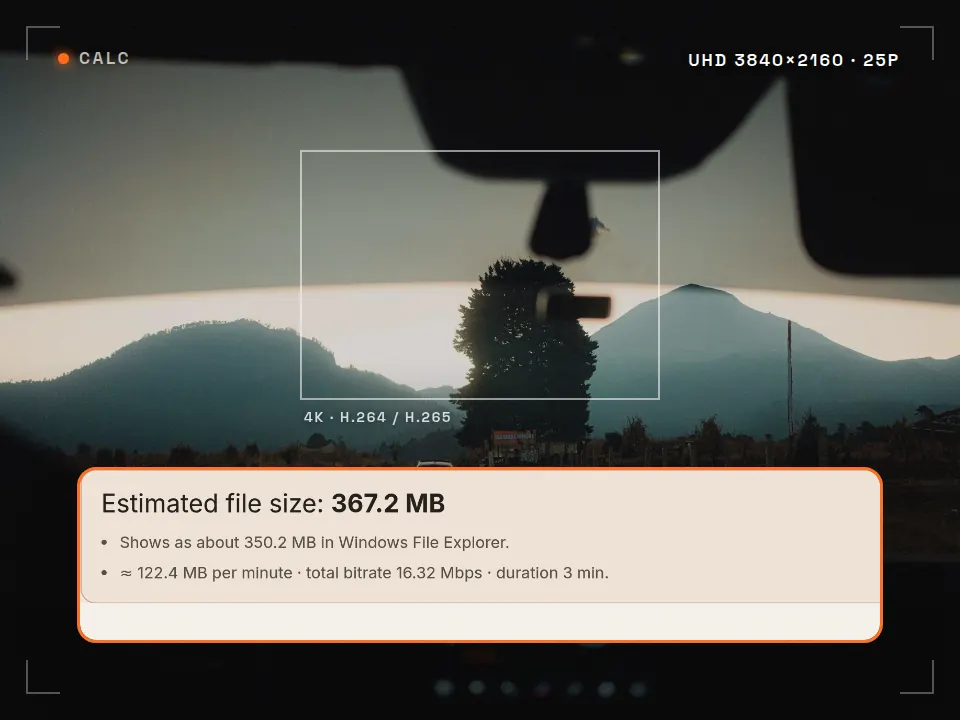
- Pick what to calculate. File size, the bitrate for a target size, or card recording time.
- Enter your values. Don't know the bitrate? Pick a platform and resolution and fill in the recommended value with one click.
- Use the result. Type it into your editor's export settings, copy the FFmpeg command or share a link to the calculation.
Embed this tool on your site
Preview ↗Free for blogs, course pages and resource lists. Paste the code; the tool runs in your visitors' browser, with no tracking inside the frame.
The credit line under the frame reads: Tool: Rast Creative Studio
Formula
How to calculate video file size from bitrate
Bitrate is the amount of data a video uses per second. It's written in Mbps (megabits per second), while file size is measured in megabytes (MB), and 1 byte = 8 bits. So:
File size (MB) = (video Mbps + audio Mbps) × duration (s) ÷ 8
Required video bitrate (Mbps) = target size (MB) × 8 ÷ duration (s) − audio Mbps
Example: a 60-second 1080×1920 Reel exported at 16 Mbps video and 320 kbps (0.32 Mbps) audio comes to (16 + 0.32) × 60 ÷ 8 ≈ 122 MB. To fit the same clip into 25 MB you'd need 25 × 8 ÷ 60 − 0.32 ≈ 3 Mbps of video; that's low for 1080p, and the quality drop will be visible.
With variable bitrate (VBR) encoding the encoder aims for the average, and the container (MP4/MOV) adds a little overhead. That's why the target-size mode keeps a 2% safety margin.
Reference
Recommended bitrates for YouTube and Vimeo uploads
| Resolution | YouTube SDR standard | YouTube SDR high | YouTube HDR standard | YouTube HDR high | Vimeo |
|---|---|---|---|---|---|
| 2160p (4K) | 35–45 | 53–68 | 44–56 | 66–85 | 30–60 |
| 1440p | 16 | 24 | 20 | 30 | 20–30 |
| 1080p | 8 | 12 | 10 | 15 | 10–20 |
| 720p | 5 | 7.5 | 6.5 | 9.5 | 5–10 |
Instagram, Facebook and TikTok don't publish a bitrate for organic videos. Meta ad videos are capped at 4 GB with stereo AAC audio above 128 kbps; (non-Spark) TikTok ads at 500 MB and at least 516 kbps.
FAQ
Frequently asked questions
How do you calculate video file size from bitrate?
File size (MB) = (video bitrate + audio bitrate, in kbps) × duration (seconds) ÷ 8 ÷ 1000. For example, a 3-minute video at 8 Mbps with 320 kbps audio is about (8000 + 320) × 180 ÷ 8000 ≈ 187 MB. Variable bitrate (VBR) and container overhead (MP4/MOV) can make the real file a few percent different.
What bitrate do I need for 1080p video?
YouTube recommends 8 Mbps for 1080p SDR uploads at 24/25/30 fps and 12 Mbps at 48/50/60 fps; Vimeo gives 10–20 Mbps for 1080p. Because platforms re-compress your upload anyway, a source file slightly above these values usually looks cleaner.
What bitrate do I need for 4K video?
For 4K (2160p) SDR uploads, YouTube recommends 35–45 Mbps at 24/25/30 fps and 53–68 Mbps at 48/50/60 fps; for HDR 44–56 and 66–85 Mbps. Vimeo gives 30–60 Mbps for 4K.
How do I get a video under 500 MB or 4 GB?
Use the “Target size → bitrate” mode: enter the target size and the duration. The calculator subtracts the audio bitrate, keeps a 2% safety margin and gives you the highest video bitrate you can use. The limit for (non-Spark) TikTok ads is 500 MB; for Meta ad videos (Instagram and Facebook) it is 4 GB.
Why is the calculated size different from what my computer shows?
The calculator uses 1 MB = 1,000,000 bytes, like platforms and card makers do. Windows File Explorer counts 1 GB as 1,073,741,824 bytes, so the same file looks about 7% smaller in Windows. The result shows both.
Are the values I enter sent to a server?
No. The calculator doesn't ask for a file and all the math runs in your browser. Values are only written to the address bar so you can share the calculation; the tool has no third-party tracking.
Cite this tool / link to it
Writing a tutorial, a course handout or a resource list? Copy a link below.
Sources
Reference values come from the official pages below. Last checked: 30 October 2026.
- YouTube Help, “YouTube recommended upload encoding settings”: MP4 with the moov atom at the front (Fast Start), AAC-LC 48 kHz, H.264 High Profile, 2 consecutive B-frames, closed GOP (half the frame rate), CABAC, variable bitrate, 4:2:0, BT.709; SDR/HDR bitrate tables. (accessed 30 Oct 2026) support.google.com
- Vimeo Help Center, “Video and audio compression guidelines” (updated 12 Dec 2025): H.264 High Profile, ProRes 422 HQ or H.265; constant frame rate; 1080p 10–20 Mbps, 4K 30–60 Mbps; AAC-LC 320 kb/s, 48 kHz. (accessed 30 Oct 2026) help.vimeo.com
- Meta Ads Guide, Instagram Reels video ads: MP4/MOV, H.264, square pixels, constant frame rate, progressive scan, stereo AAC 128 kbps+, max 4 GB, 1440×2560 recommended. (accessed 30 Oct 2026) facebook.com/business/ads-guide
- Instagram Help Center, “Reel size & aspect ratios”: ratio between 1.91:1 and 9:16, at least 30 FPS and 720 pixels; the “Upload at highest quality” setting. (accessed 30 Oct 2026) help.instagram.com
- TikTok Ads Manager, “TikTok Auction In-Feed Ads” (non-Spark ads): vertical 9:16 at least 540×960, .mp4/.mov, max 500 MB, bitrate at least 516 kbps. (accessed 30 Oct 2026) ads.tiktok.com
- Apple ProRes White Paper (April 2022), “Target Data Rates” appendix: e.g. 1920×1080 30p ProRes 422 HQ ≈ 220 Mbps, 3840×2160 25p ≈ 737 Mbps. (accessed 30 Oct 2026) apple.com
PCM audio values are calculated (48,000 samples × bit depth × 2 channels). Platform names are trademarks of their owners; this tool is not affiliated with any platform.
More free tools
See all-
 Tool
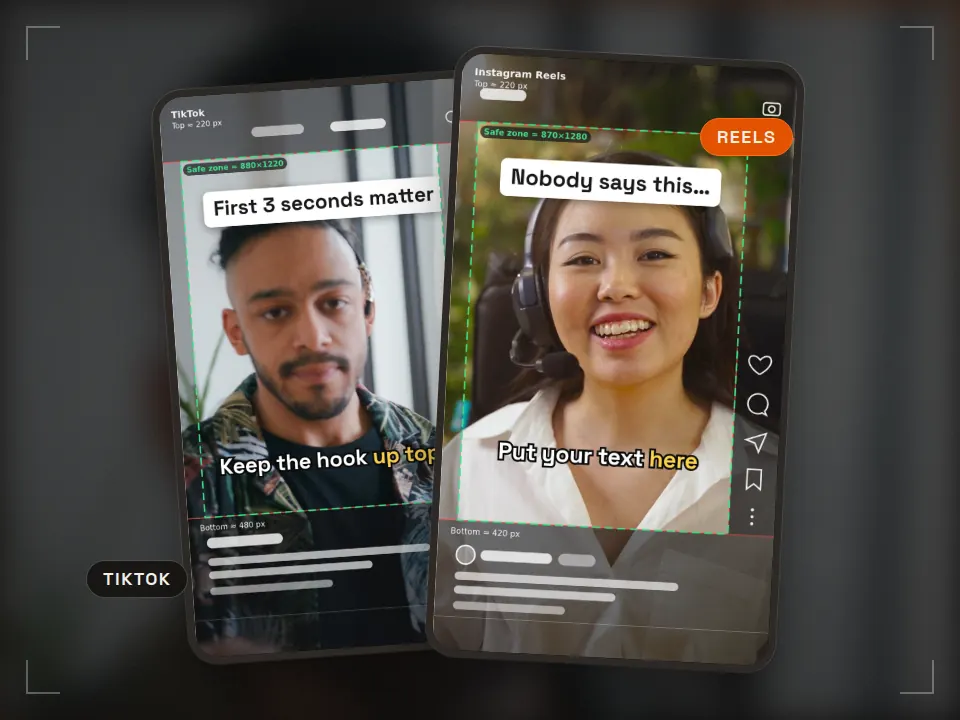
Tool Safe zone checker
Keep text clear of the app UI Runs in your browserReels · TikTok · ShortsPNG + ZIP templates -
 Tool
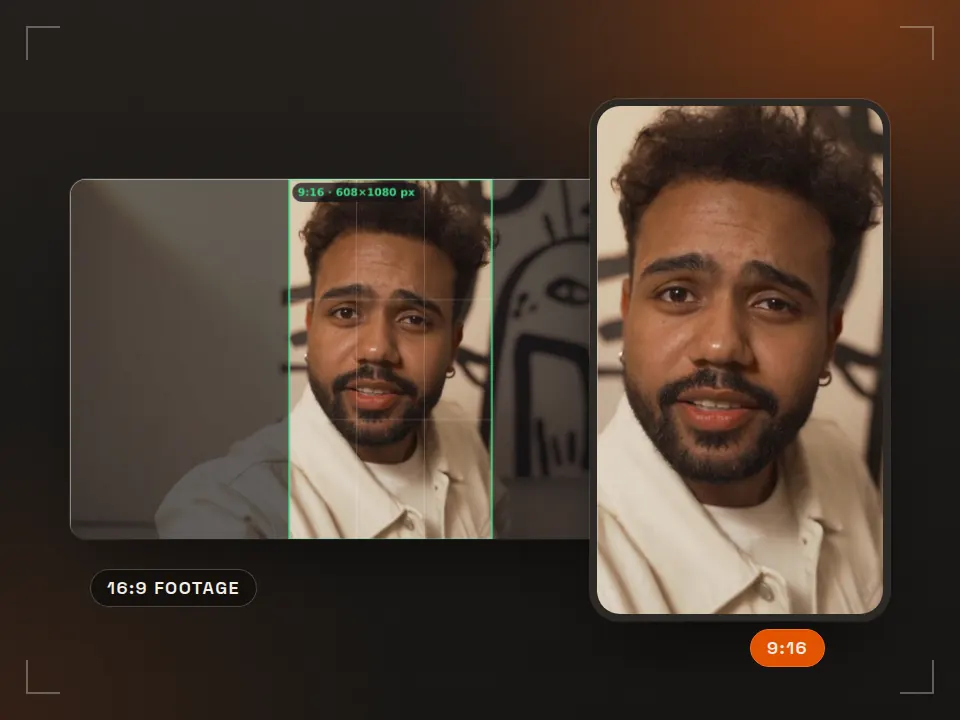
Tool Aspect ratio & crop
Reframe 16:9 for vertical What is it for? Shows how a horizontal video gets cropped for a phone screen. Runs in your browser9:16 · 4:5 · 1:1 -
 Pack
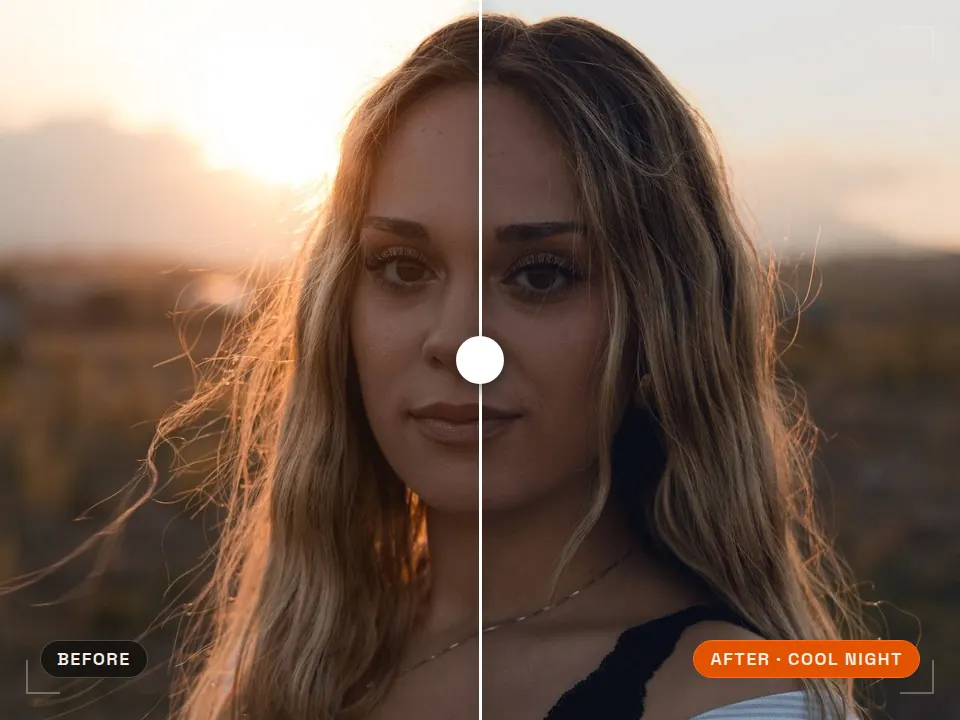
Pack Free LUT pack
Consistent color in one step What is it for? Ready-made color looks that grade your footage in one click. 5 LUTs · .cubePremiere · DaVinci · CapCut -
 Pack
Pack Free SFX pack
40 edit-ready sounds What is it for? Short free sounds for transitions and accents in your edits. 40 sounds · WAVCommercial use OK
Rather skip the settings? Get delivery-ready video
Rast Creative Studio is a video production studio in Sakarya, Turkey. Every project is exported for where it will run: one version for YouTube, one for Reels, and a ProRes master for the archive. Tell us about your project, in English or Turkish.
Email the studio