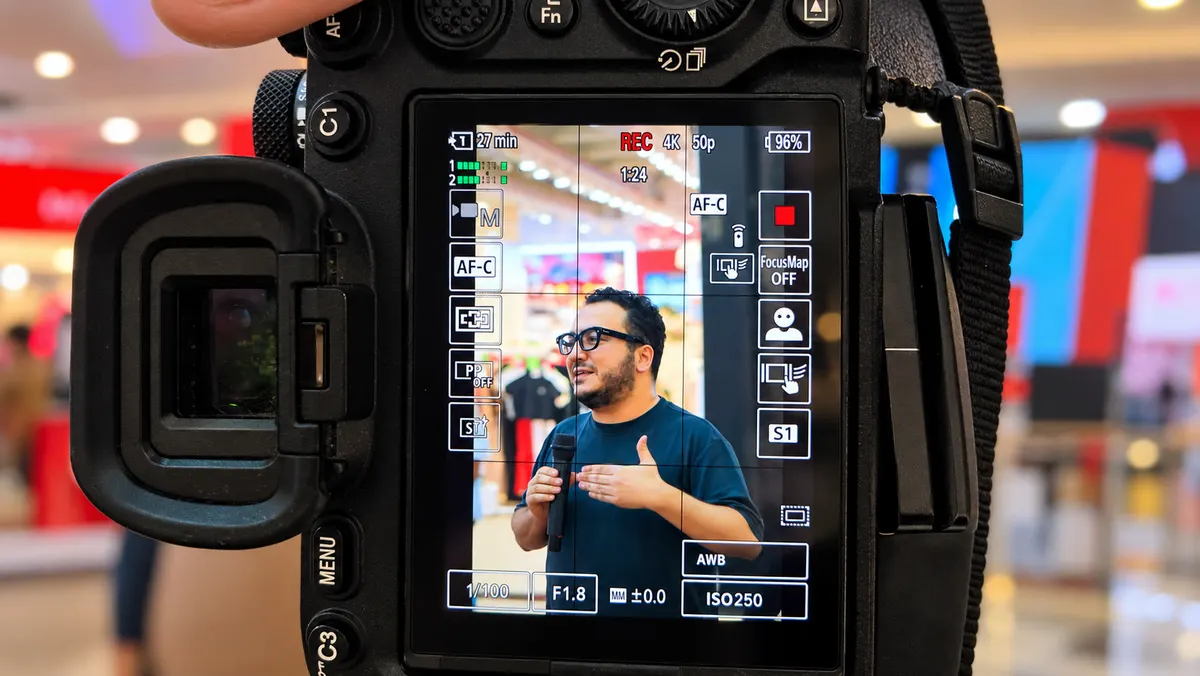
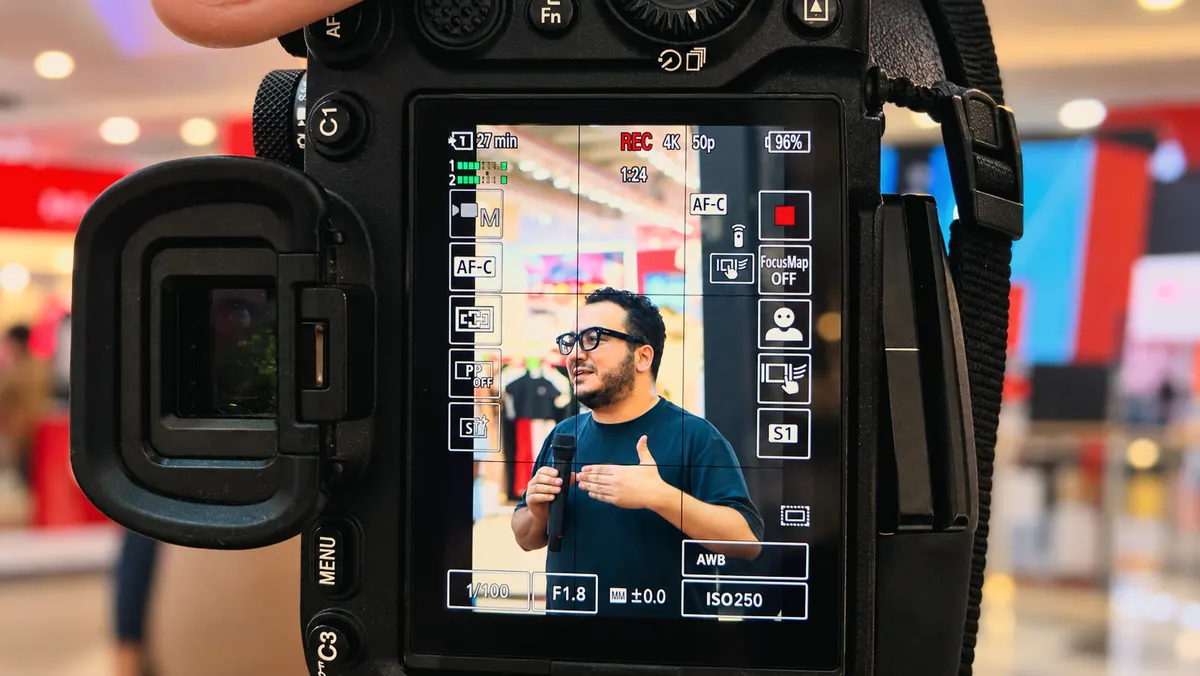
Rast Warm Film
Soft blacks, warm highlights, a touch of film contrast. A safe starting point for interviews, vlogs and interiors.
rast-sicak-film.cube Pack · Free · CC BY 4.0
Five subtle Rec.709 looks that protect skin tones, with before/after previews.
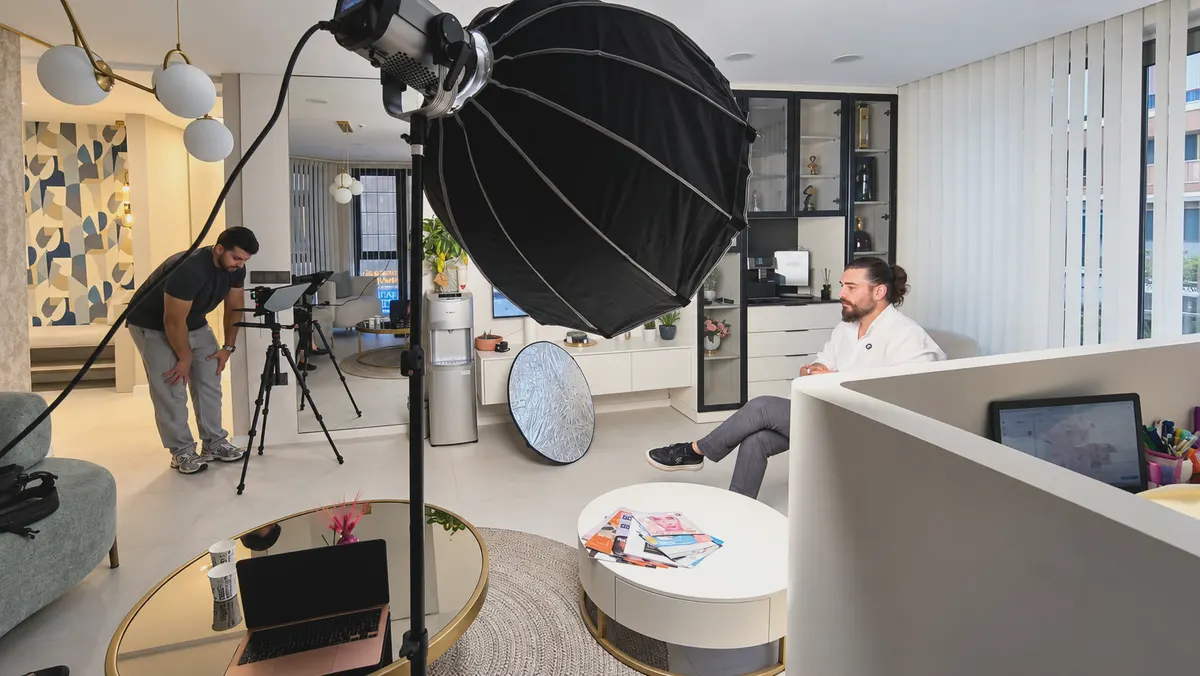
Five creative LUTs that give normal (Rec.709) phone or camera footage a consistent look in one step. Not heavy filters: all of them are subtle and built to protect skin tones. The comparisons below are from our own shoots; drag the slider to see before and after.
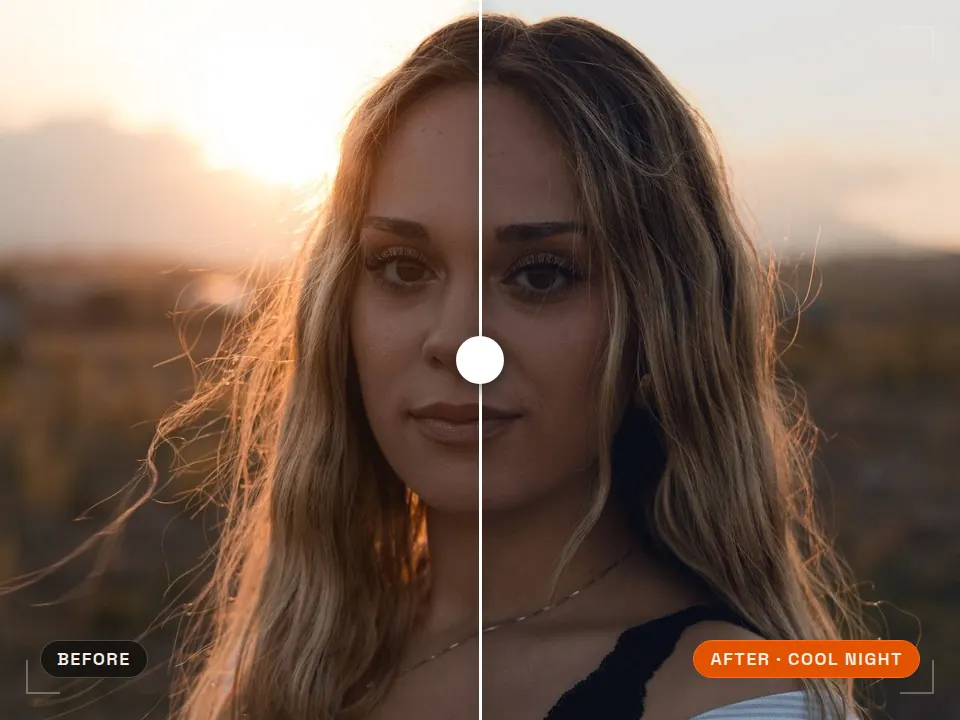
Before / after
Soft blacks, warm highlights, a touch of film contrast. A safe starting point for interviews, vlogs and interiors.
rast-sicak-film.cube 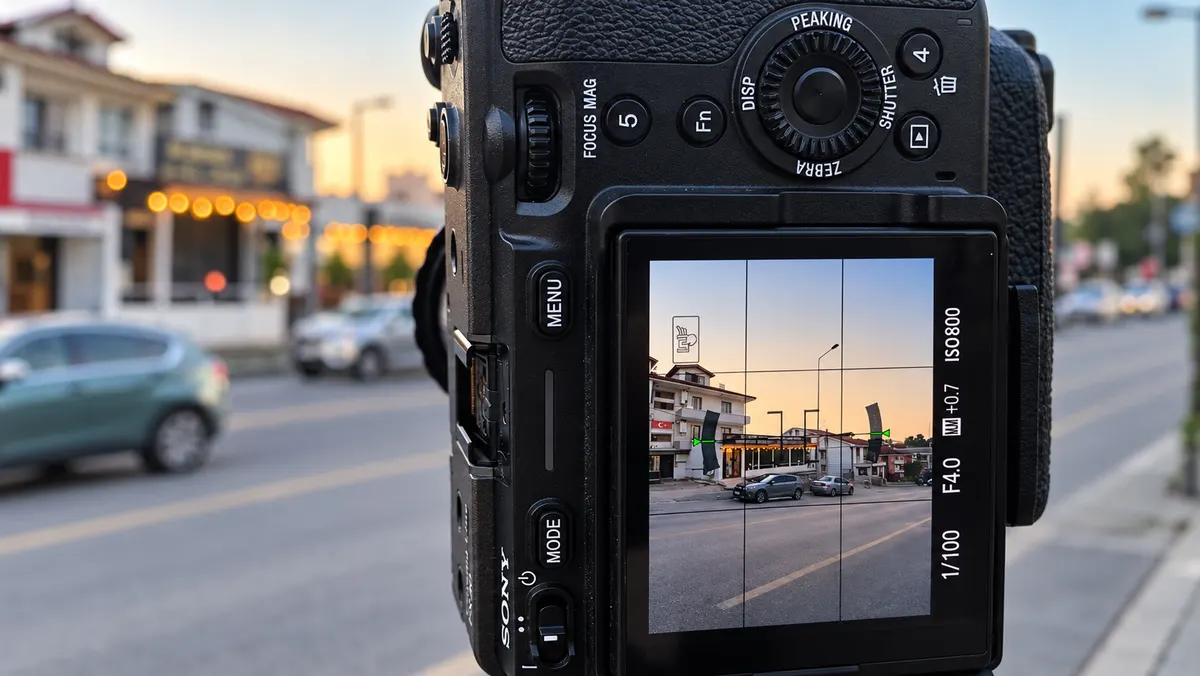
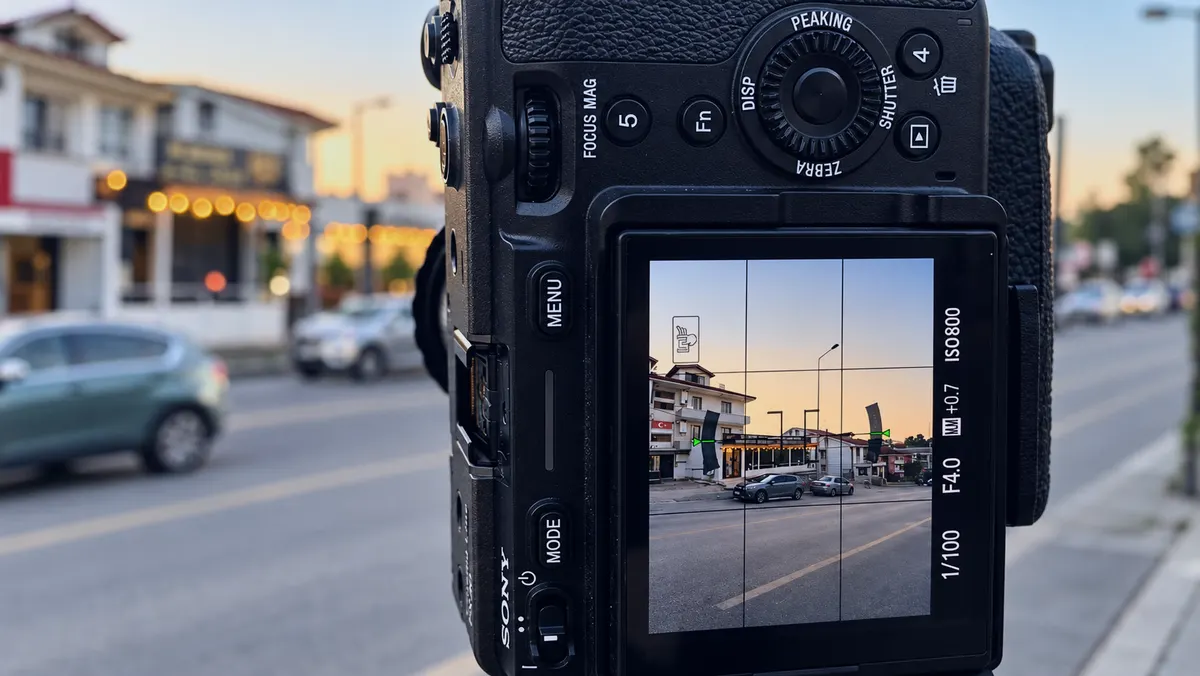
Cool shadows, slightly lower exposure, near-neutral whites. For city, night and tense scenes.
rast-soguk-gece.cube 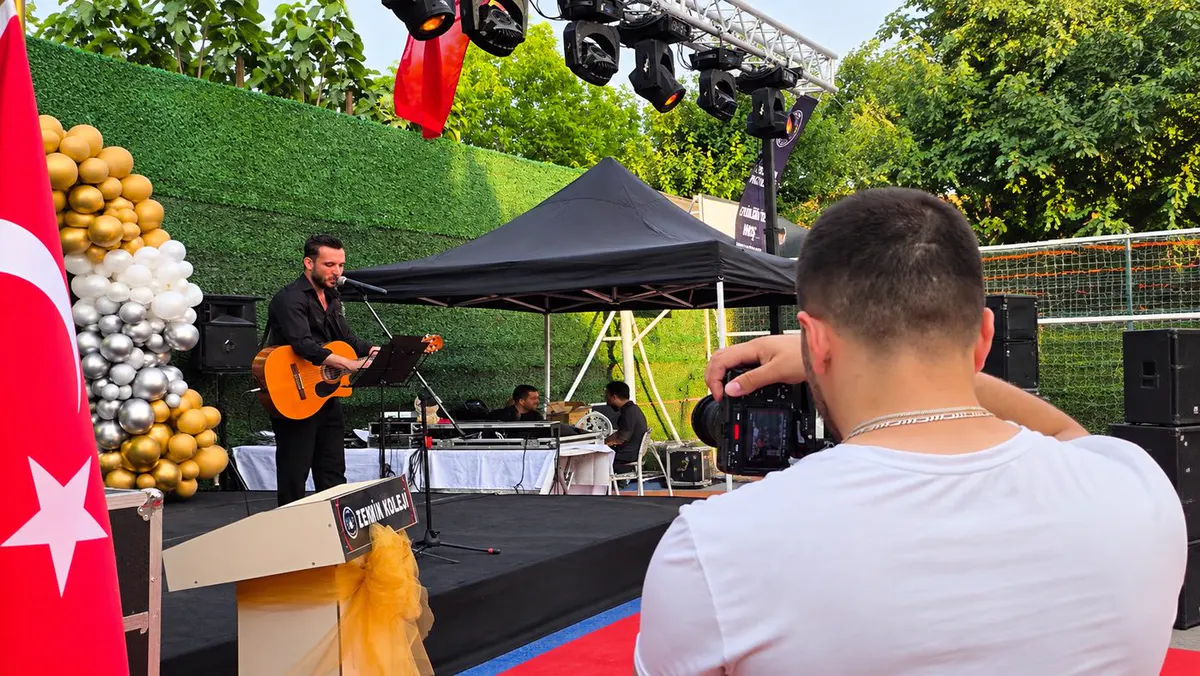
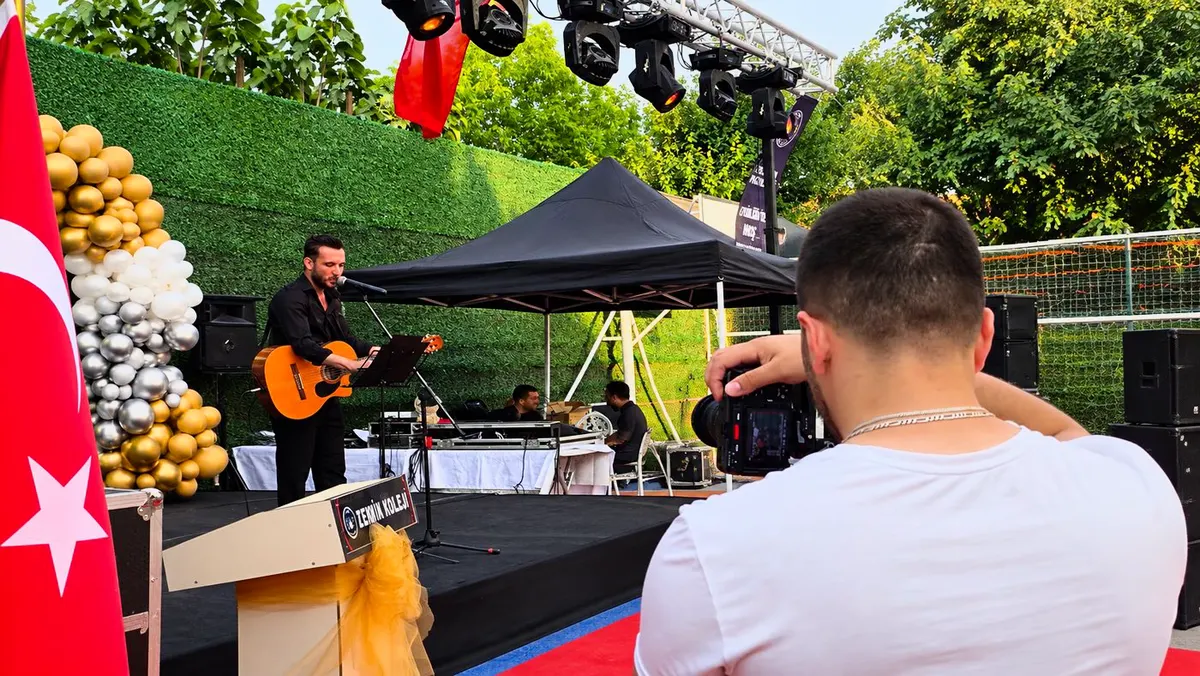
Neutral color with a bit more depth and vibrance. Lifts “flat” footage in corporate, event and product videos.
rast-dogal-kontrast.cube 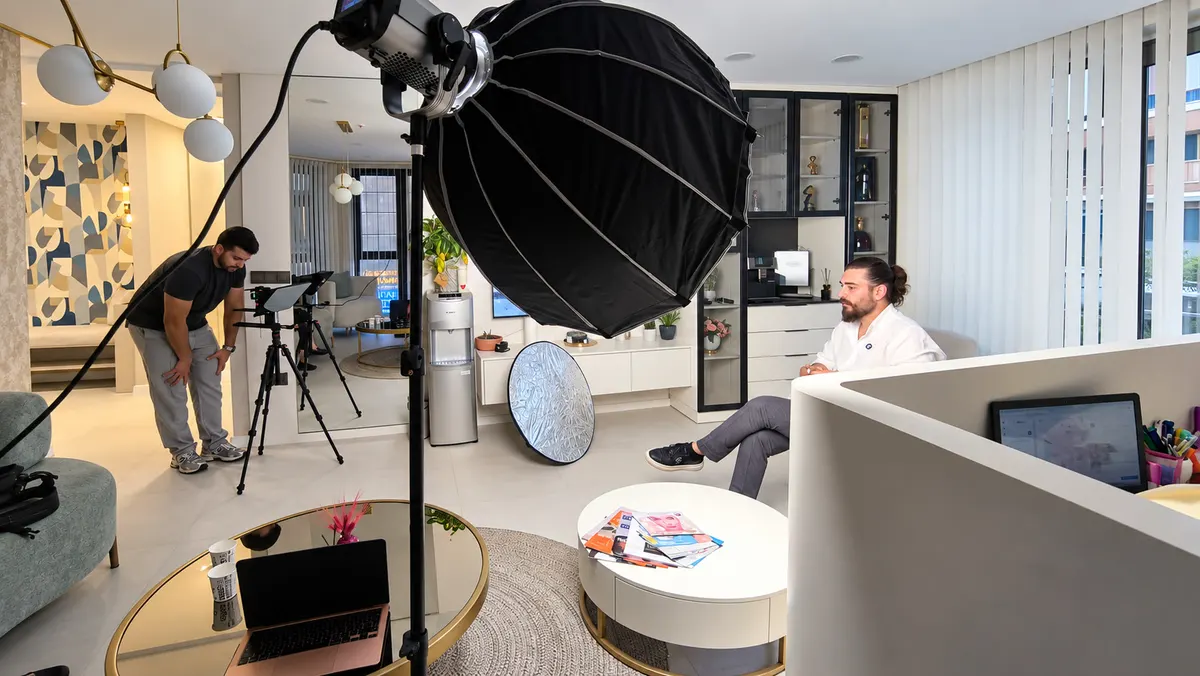
Lifted blacks, softened whites, lower saturation. For fashion, lifestyle and calm storytelling.
rast-soluk-matte.cube 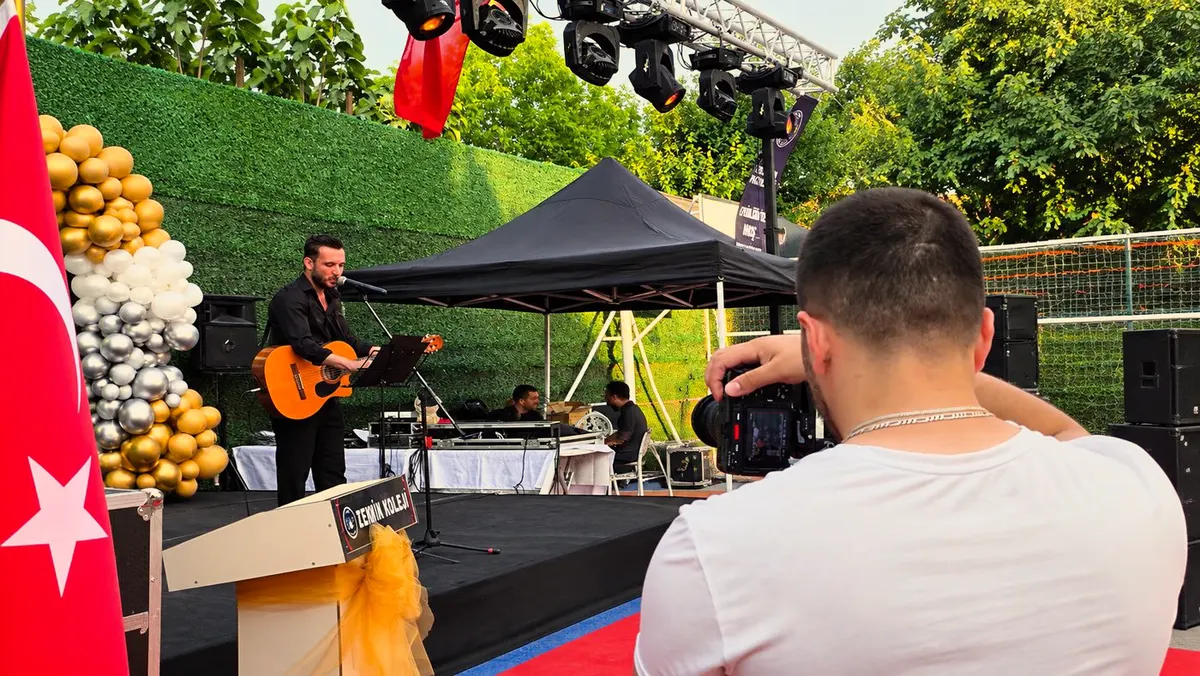
Adds sunset warmth without overdoing it; oranges and yellows get richer while skin tones stay put.
rast-altin-saat-hafif.cube Install
Lumetri Color > Creative > Look > Browse… > the .cube file. Try 50–80% on the Intensity slider. Set exposure and white balance in Basic Correction first.
Project Settings > Color Management > Open LUT Folder; copy the folder in and click “Update Lists”. On the Color page, right-click a node > 3D LUT > Rast. Put the LUT on the node after your correction node.
Drag the Effects > Color > Custom LUT effect onto the clip, then in the Inspector choose LUT > “Choose Custom LUT…” and select the .cube file. Lower the strength with Mix.
Select the clip, go to Adjust > LUT > Import and add the .cube file; set the intensity with the slider. .cube support in the mobile app depends on the version.
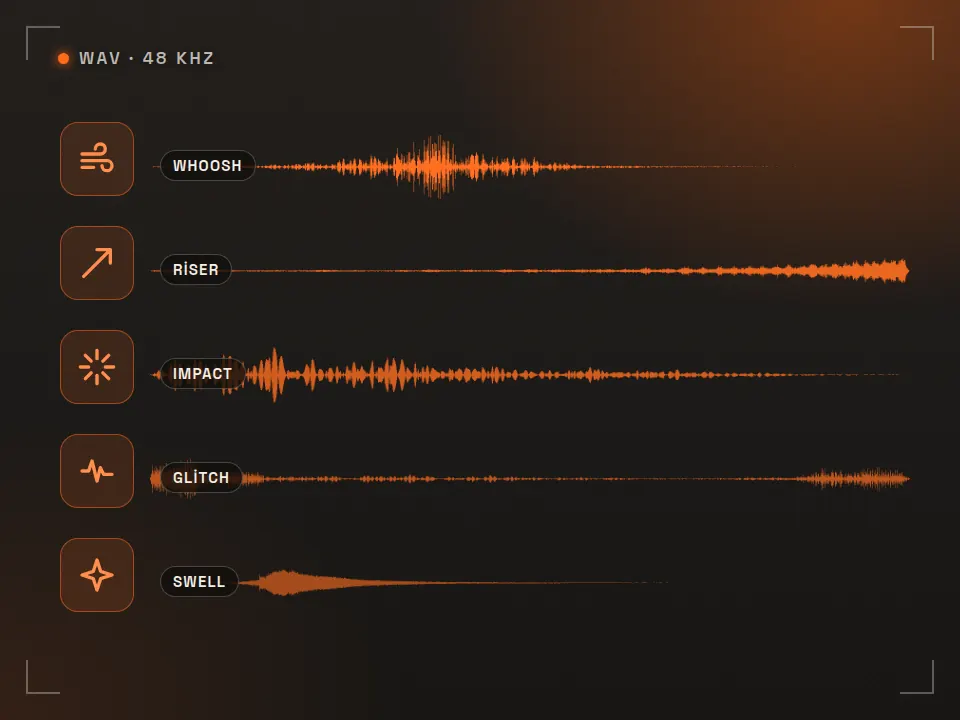
Want to polish the sound too? Try the free SFX pack; for text placement on vertical video, the safe zone checker. To export without wrecking the grade, check the video bitrate calculator.
The .cube files keep their original Turkish file names: rast-sicak-film = Warm Film, rast-soguk-gece = Cool Night, rast-dogal-kontrast = Natural Contrast, rast-soluk-matte = Faded Matte, rast-altin-saat-hafif = Subtle Golden Hour. The zip includes an English README.txt with install steps for Premiere Pro, DaVinci Resolve, Final Cut Pro and CapCut (OKU-BENI.txt is the Turkish version).
FAQ
Not directly. These are creative (look) LUTs, not conversion LUTs, built for normal Rec.709 footage. If you shot log, first apply your camera maker's Rec.709 conversion LUT or a color space transform in Resolve, then add the Rast LUT as the next step.
Open the Creative section of the Lumetri Color panel, choose Browse in the Look menu and select the .cube file. Set the strength with the Intensity slider; 50–80% looks most natural on most footage. To keep the LUTs available, you can also copy the files into Premiere's LUTs/Creative folder.
Go to Project Settings > Color Management > Open LUT Folder, copy the Rast folder inside and click “Update Lists”. On the Color page, right-click a node and pick 3D LUT > Rast. To reduce the strength, put the LUT on its own node and lower Key Output Gain.
Yes. In CapCut desktop, import the .cube file under Adjust > LUT. In Final Cut Pro, add the Effects > Color > Custom LUT effect to the clip and choose “Choose Custom LUT…” in the LUT menu.
We limited the hue shift in the skin-tone range when building the LUTs: on faces and arms in our own footage the hue moved by less than 2 degrees. With very different light (green fluorescents, mixed light) fix the white balance first, then apply the LUT.
Yes. The LUTs are licensed CC BY 4.0: use and modify them in client work, ads and social media videos. The only condition is credit: “Color LUT: Rast Creative Studio — rastcreative.com”. Don't resell the LUT files as they are.
License
Rast LUT Pack is licensed CC BY 4.0. Use it in client work and ads, and modify the LUTs to build your own look. The only condition is credit: “Color LUT: Rast Creative Studio — rastcreative.com” (in the video description or credits). The LUTs were generated mathematically by Rast Creative; the preview frames are our own behind-the-scenes footage.
Writing a tutorial, a course or a resource list? Copy the link below.
Looks like: Color LUTs: Rast Creative Studio, licensed under CC BY 4.0
 Pack
Pack 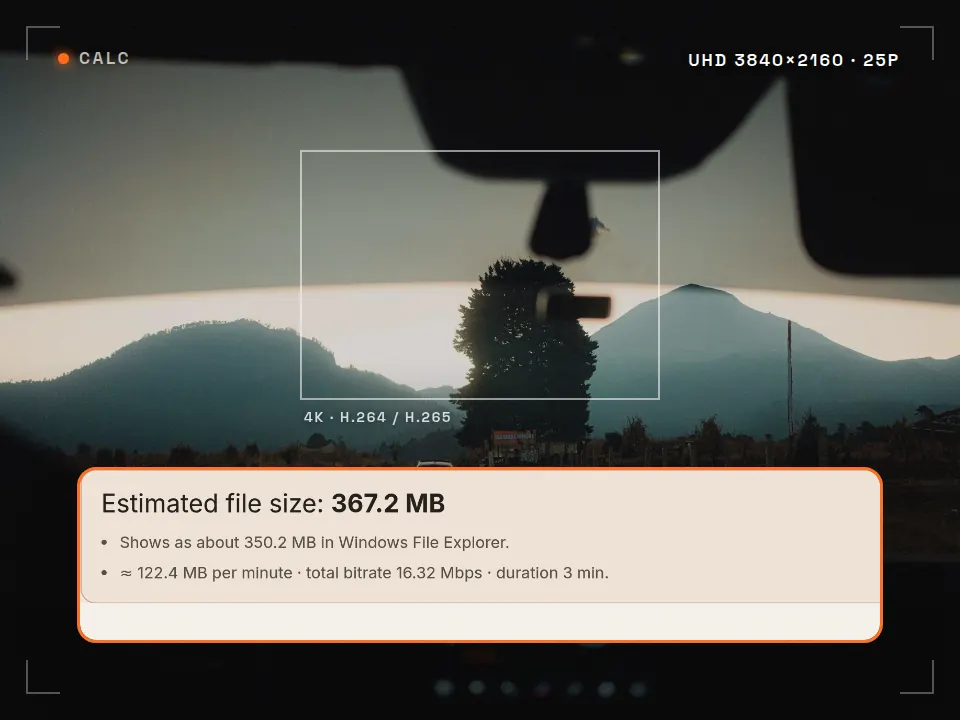 Tool
Tool  Tool
Tool  Tool
Tool Rast Creative Studio is a video production studio in Sakarya, Turkey. We produce videos end to end, from the shoot to the color grade. Tell us about your brand film, ad or social content, in English or Turkish.
Email the studio