Pack · Free · WAV
Free sound effects pack: 40 SFX for short-form video editing
Whooshes, risers, impacts, glitches and transitions: preview in the browser, download in one click.
- 40 sounds · WAV
- Commercial use OK
Details
In Reels, TikTok and Shorts edits, every cut and every text pop-in should have a sound. We packed the whooshes, risers, impacts, glitches, shutters, paper and notification sounds we use in our own work. Preview them all below in your browser and download in one click. No sign-up, no email required.
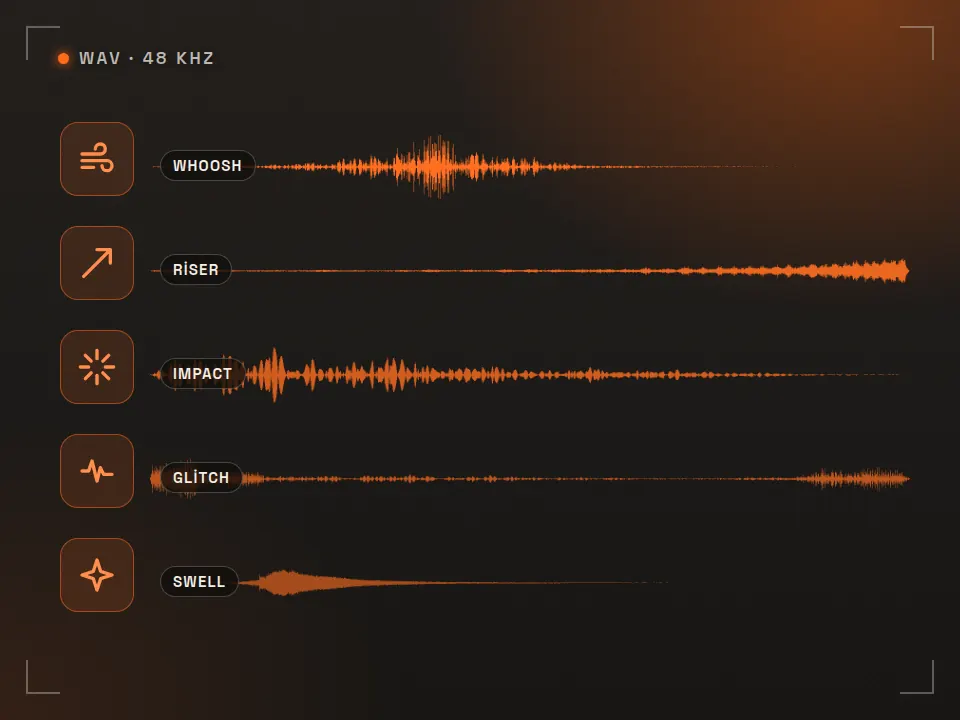
- 40 sounds, 11 categories
- WAV · 48 kHz · 16-bit · stereo
- Level-matched · silence trimmed
- License: 32 sounds CC BY 4.0, 8 sounds CC0
Preview
Listen to the sounds
Previews are MP3 (128 kbps); the pack has uncompressed WAVs. Audio doesn't load until you press play.
Whoosh 7
Cuts, slides and zoom transitions. Line up the loudest moment with the cut.
Riser 4
Builds tension. End it 1–2 frames before the cut, then hit an impact or silence.
Impact / hit 4
Title cards, logos, product reveals. Layer a sub drop underneath for more weight.
Swell 3
Reverse cymbals and shimmers that swell into a transition or a logo.
Glitch 3
Digital distortion, screen transitions, error or tech themes.
Clicks and pops (UI) 4
Text, icons and cards popping on screen; screen-recording videos.
Camera shutter 3
Freeze frames, flashes and “capture the moment” transitions.
Paper and tape 4
Collage, scrapbook and handmade-style edits; sticker and note pop-ins.
Notification 3
Message, comment or order notification cards.
Transitions 3
Zip, tape stop, vinyl scratch: rhythm-breaking, funny or sudden transitions.
Drone / bed 2
10-second background bed. Fills gaps where there's no music; use it around -20 dB.
In practice
How to use sound effects in an edit
- One sound per visual event: text pop-ins, cards, zooms, cuts. Most sounds aren't noticed on their own, but you feel it when they're missing; even “quiet” professional videos carry dozens of small sounds.
- Sync: put the peak of a whoosh on the cut frame and the start of an impact on the hit frame. End a riser 1–2 frames before the cut.
- Levels: keep SFX under the voice (-10 to -18 dB for most sounds). UI clicks are the quietest layer, impacts the loudest.
- Don't repeat: if the same sound comes twice in a row, shift its pitch by 5–10% or alternate between two whooshes.
- Layer: stack two sounds for big moments, like impact + sub drop, or swell + ding for a logo.
- Final check: listen once through a phone speaker before you export; that's how most social video is heard.
Placing text on vertical video? The Reels / TikTok safe zone checker helps; for color, try our free LUT pack, and for captions the SRT subtitle checker. To get file size right on export, use the video bitrate calculator.
License
What you can and can't do
Sounds made by Rast · CC BY 4.0
32 sounds were synthesized and processed by us. Under CC BY 4.0 you can use and edit them in commercial work too. The only condition is credit: add “Sound effects: Rast Creative Studio — rastcreative.com” to the video description, credits or project notes. It doesn't need to be inside the video.
CC0 sounds · public domain
8 sounds were picked from CC0 recordings on Freesound; the trimming, fades and levels are ours. They stay CC0, so no credit is needed. The recordists' names and original URLs are still listed here and in credits.json.
Reselling the pack as is or distributing it as your own sound pack isn't allowed; to share it, link to this page. The zip includes an English README.txt (OKU-BENI.txt is the same in Turkish); credits.json lists every file's license and source.
FAQ
Frequently asked questions
Can I use these sound effects in commercial videos?
Yes. Use them in client videos, ads, Reels, TikTok, YouTube and any other project. Sounds made by Rast are licensed CC BY 4.0: add “Sound effects: Rast Creative Studio — rastcreative.com” to the video description or credits. CC0 sounds need no credit.
Which sounds are CC0 and which are CC BY 4.0?
32 sounds in the pack were made by us (CC BY 4.0) and 8 were picked from CC0 (public domain) recordings on Freesound and processed. The list on this page shows the license next to every sound; credits.json and the readme in the zip list the license, original URL and author file by file.
Will I get copyright claims (Content ID)?
We haven't registered these sounds with any content-ID system and won't. Because CC0 sounds are public, someone else could put the same sound in their own work and register it; if you ever get an unfair claim, dispute it by pointing to the license (CC0 / CC BY 4.0) and this page.
What format and levels are the files?
WAV, 48 kHz, 16-bit, stereo. Leading and trailing silence is trimmed and the edges are faded. Short sounds peak at -1.5 dBTP; sounds longer than 2.5 seconds are set to about -16 LUFS. In the edit you'll usually pull most sounds down by 6 to 15 dB so they sit under the music and voice.
How do I use them in CapCut, Premiere Pro or DaVinci Resolve?
Unzip the pack and keep the folder somewhere permanent. In Premiere and Resolve, drag the folder into your project; in CapCut, add it via Audio > Device/Import. Line each sound up with the visual event: the peak of a whoosh on the cut, the start of an impact on the hit frame.
Can I share the pack on another site or as a sound pack?
Using the sounds inside your videos is fine. Don't resell the pack as is or distribute it as your own sound pack; if you want to recommend it, share a link to this page.
Cite this pack / link to it
Writing a tutorial, a course or a resource list? Copy the link below. The credit line for videos is: “Sound effects: Rast Creative Studio — rastcreative.com”.
Looks like: Sound effects: Rast Creative Studio, licensed under CC BY 4.0
More free tools
See all-
 Pack
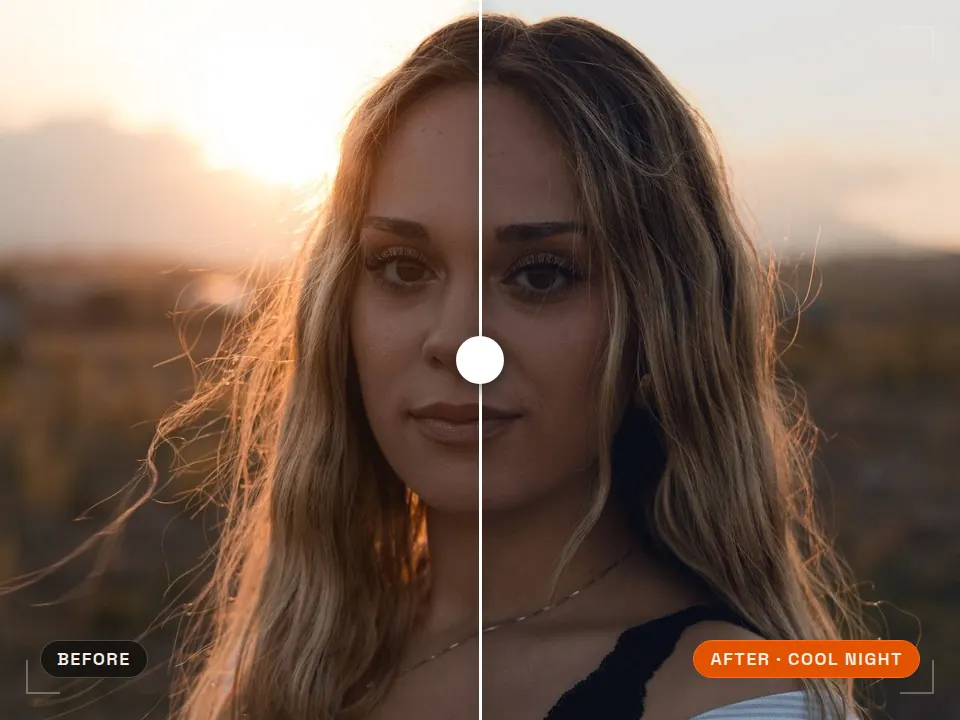
Pack Free LUT pack
Consistent color in one step What is it for? Ready-made color looks that grade your footage in one click. 5 LUTs · .cubePremiere · DaVinci · CapCut -
 Tool
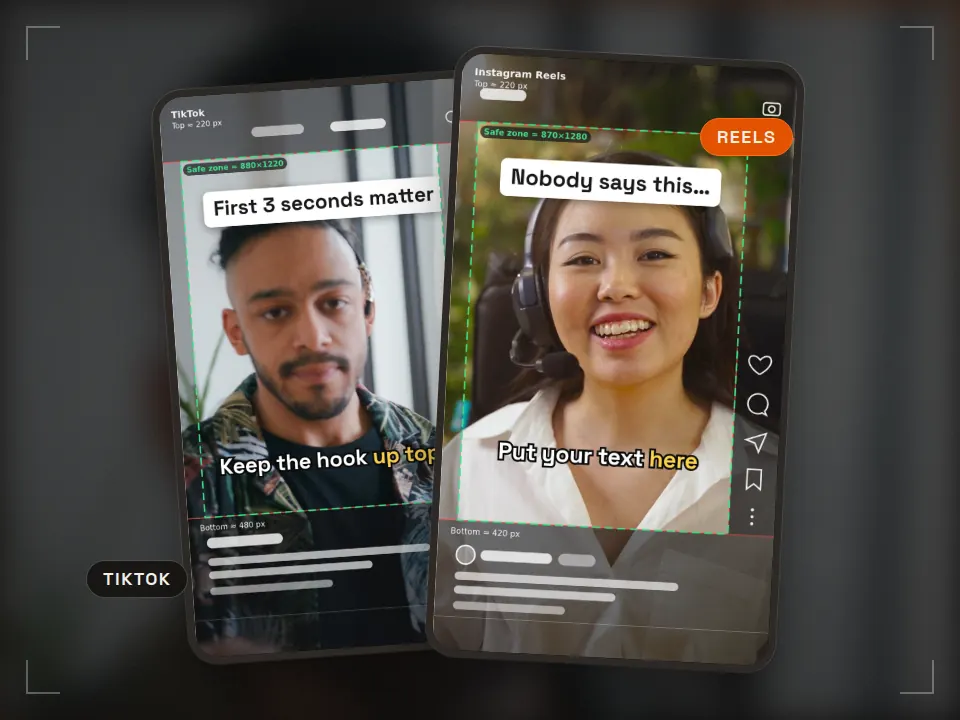
Tool Safe zone checker
Keep text clear of the app UI Runs in your browserReels · TikTok · ShortsPNG + ZIP templates -
 Tool
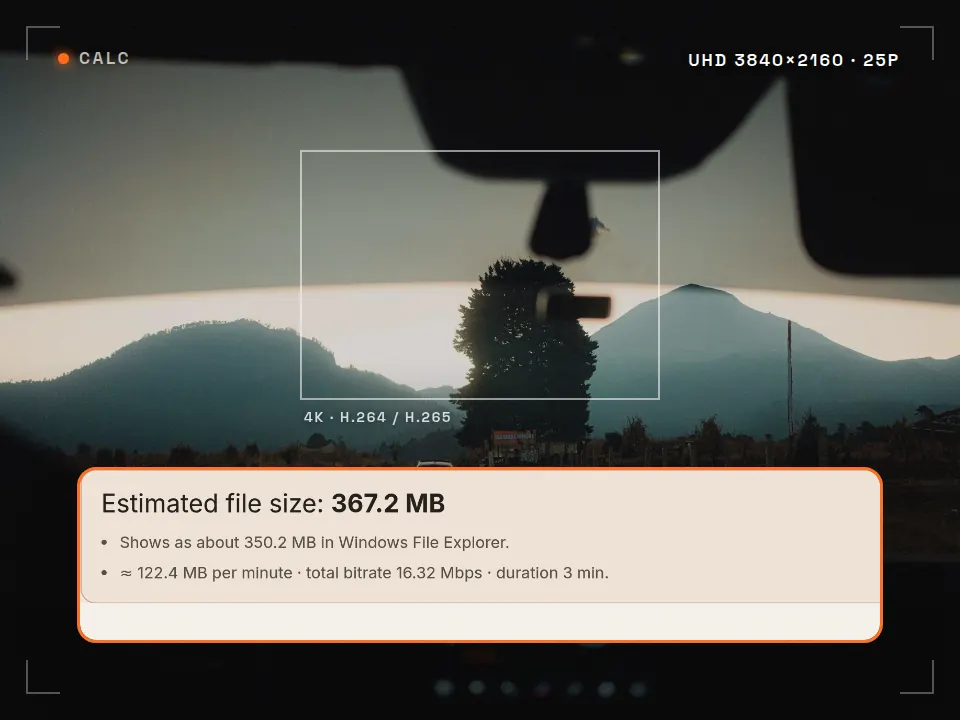
Tool Video bitrate calculator
Know the file size before you export What is it for? See how big your video will be and whether it fits an upload limit, before you export. Runs in your browserMB · GB · MbpsFFmpeg command -
 Tool
Tool Aspect ratio & crop
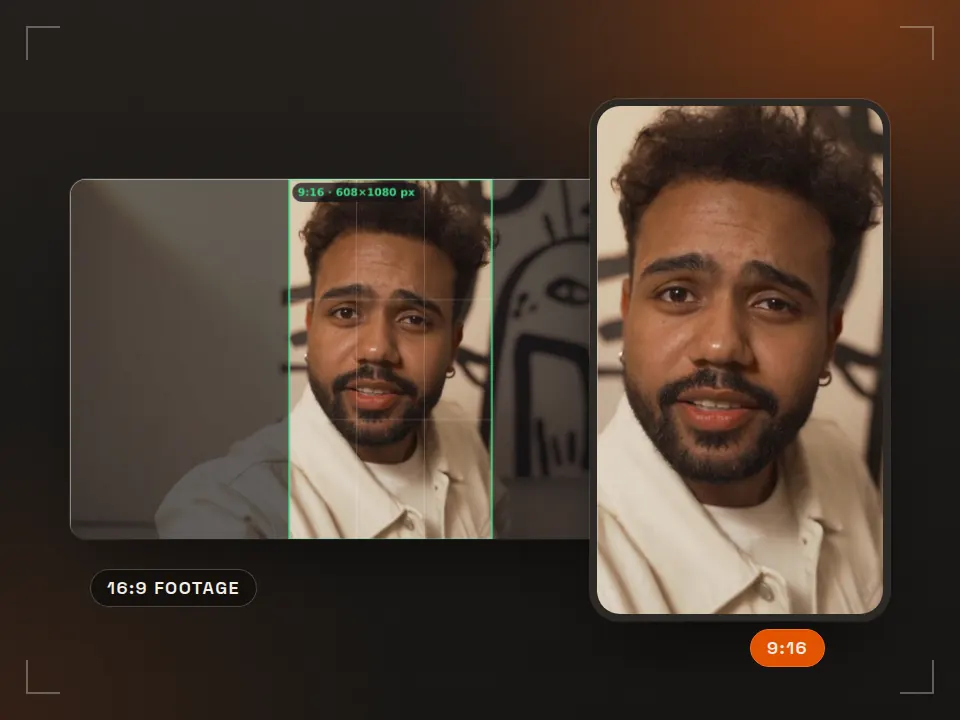
Reframe 16:9 for vertical What is it for? Shows how a horizontal video gets cropped for a phone screen. Runs in your browser9:16 · 4:5 · 1:1
Video with sound design included, start to finish
Rast Creative Studio is a video production studio in Sakarya, Turkey. We deliver Reels and ad videos complete with the edit, sound effects and music. Tell us about your project, in English or Turkish.
Email the studio