Tool · Free · No sign-up
Aspect ratio calculator and crop preview
See how a 16:9 shot crops to 9:16, 4:5, 1:1 and 3:4, and move the frame where you want it.
- Runs in your browser
- 9:16 · 4:5 · 1:1
Details
A 16:9 frame cropped to 9:16 keeps only the middle third (608×1080 of 1920×1080). Open your image or video, drag a 9:16, 4:5, 3:4 or 1:1 frame into place and download the cropped frame and a crop-frame overlay. Your file is never uploaded.
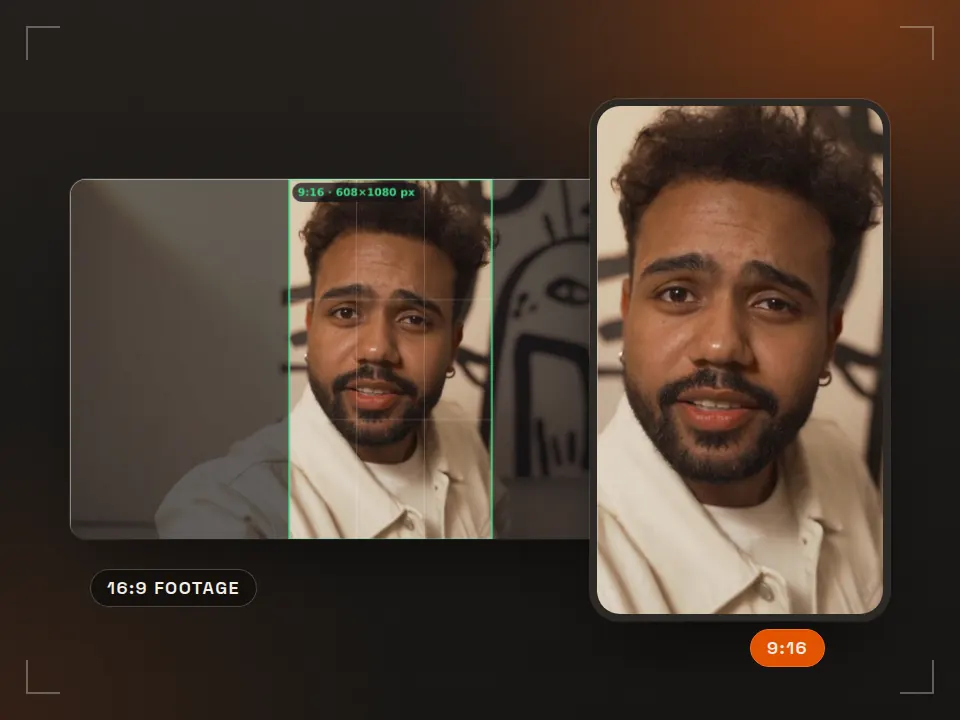
The crop frame is a transparent PNG at your source resolution; put it over the video in your editor to keep the same framing. A small Rast Creative credit sits in the dark area.
The thumbnails keep the centre of your framing. Click one to switch to that ratio.
- Open your file. A JPG, PNG or WebP image, or an MP4, MOV or WebM video. Without a file you'll see a sample 16:9 frame.
- Pick a ratio and drag the frame. The bright area is what stays. Zoom in for a tighter crop; arrow keys work on desktop.
- Check and download. Watch for the resolution warning, then grab the cropped frame, the crop-frame overlay or the FFmpeg line.
Embed this tool on your site
Preview ↗Free for blogs, course pages and resource lists. Paste the code; the tool runs in your visitors' browser, with no tracking inside the frame.
The credit line under the frame reads: Tool: Rast Creative Studio
Sizes
How much of a 16:9 recording does each aspect ratio keep?
| Target | From 1920×1080 | From 3840×2160 | Area kept | Used for |
|---|---|---|---|---|
| 9:16 | 608×1080 | 1215×2160 | 32% | Reels, TikTok, Shorts, Stories |
| 4:5 | 864×1080 | 1728×2160 | 45% | Instagram / Facebook feed posts |
| 3:4 | 810×1080 | 1620×2160 | 42% | Instagram profile grid, 3:4 posts |
| 1:1 | 1080×1080 | 2160×2160 | 56% | Square posts, LinkedIn, ads |
| 4:3 | 1440×1080 | 2880×2160 | 75% | Older screens, some presentations |
- Shoot 4K if you publish both ways. A 9:16 strip from 4K (1215×2160) is enough for a 1080×1920 delivery; the strip from 1080p has to be scaled up.
- Keep the subject near the centre. A 9:16 crop keeps only the middle third of a 16:9 frame; in a two-person interview one person ends up outside.
- Add text afterwards. Titles burned into the horizontal edit get cut off; place text separately in the vertical version and check it with the Reels safe zone checker.
- Delivery sizes: 1080×1920 for vertical video, 1080×1350 for feed posts. For bitrate, use the video bitrate calculator.
Download · CC BY 4.0
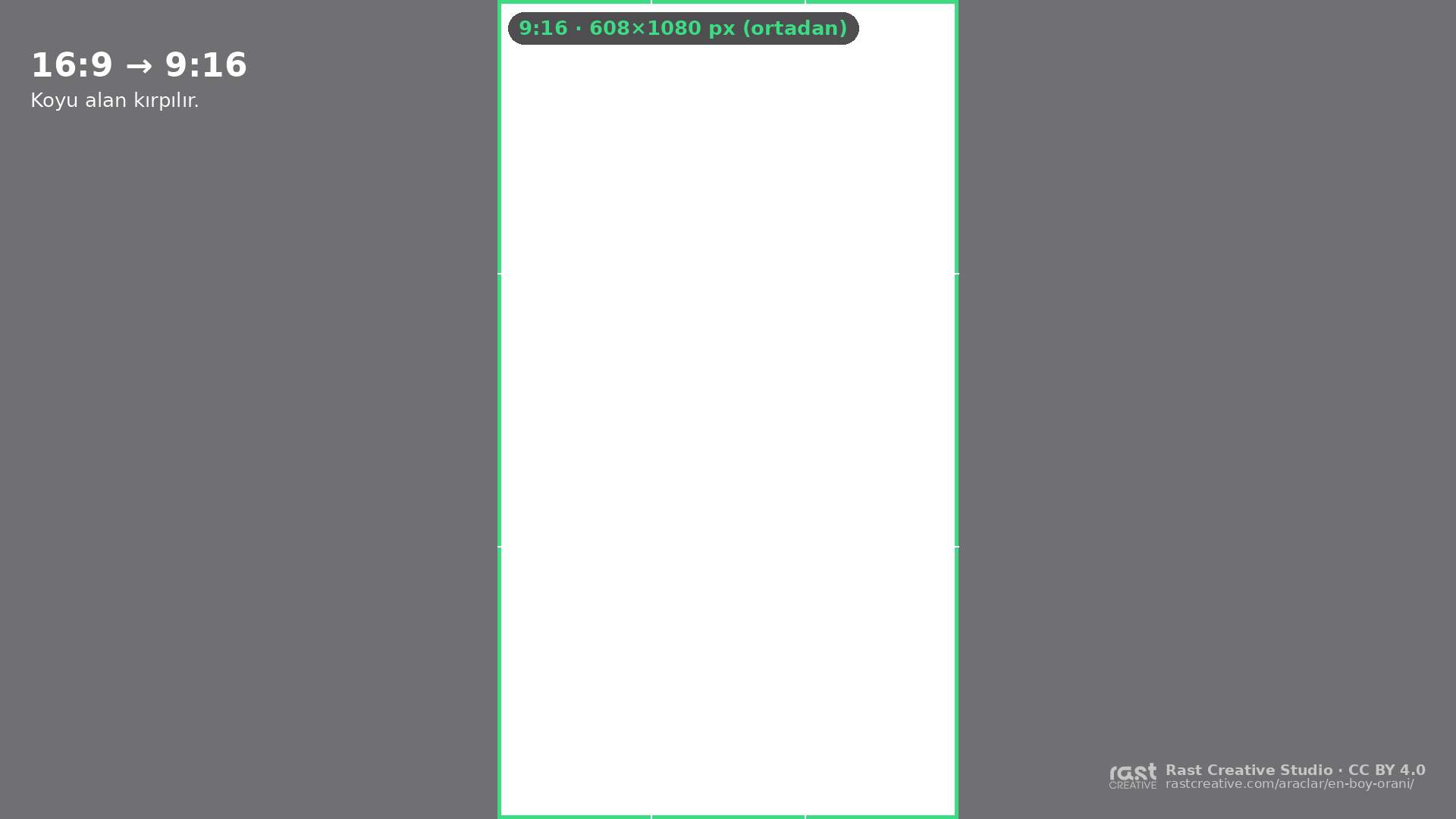
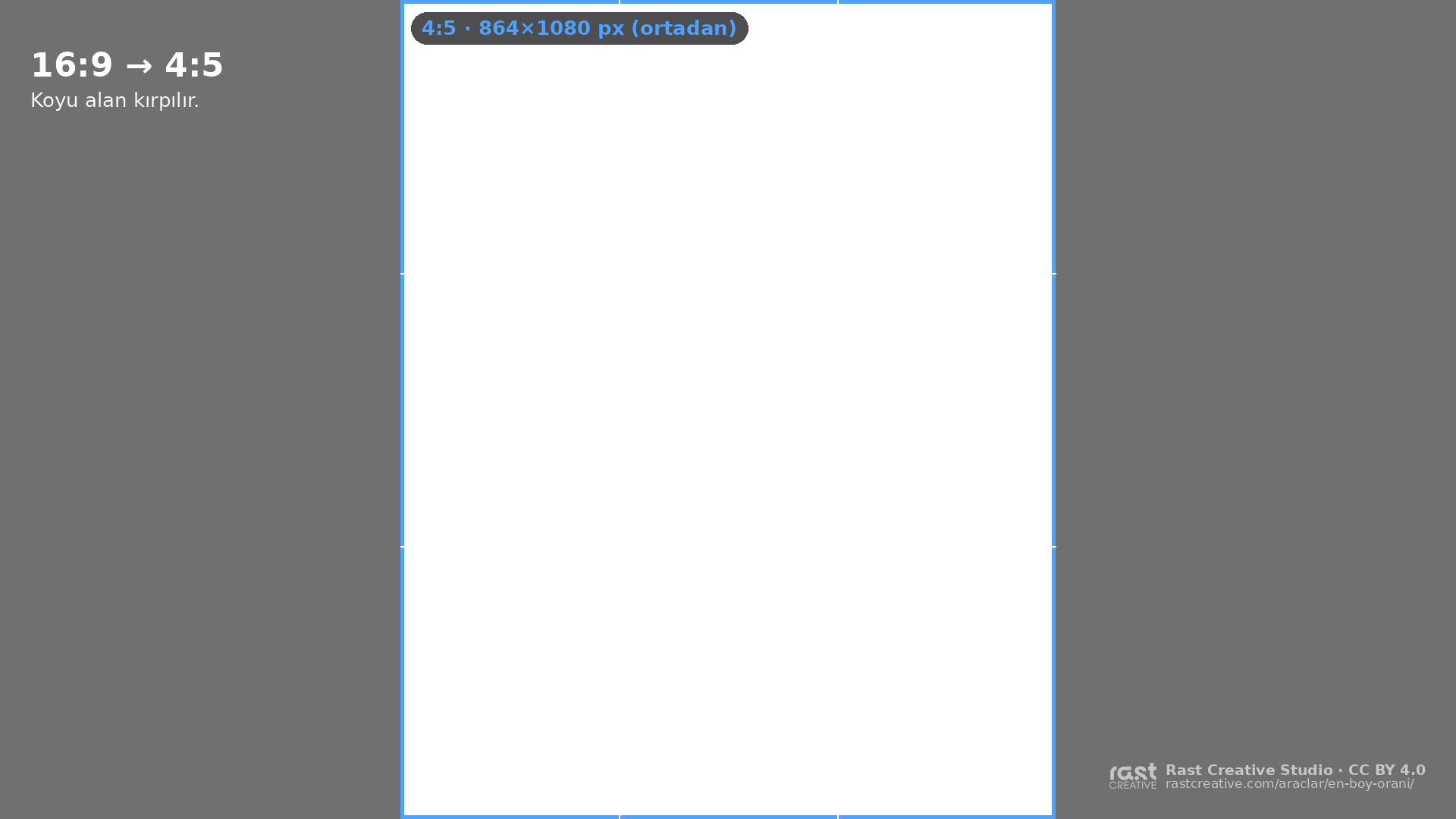
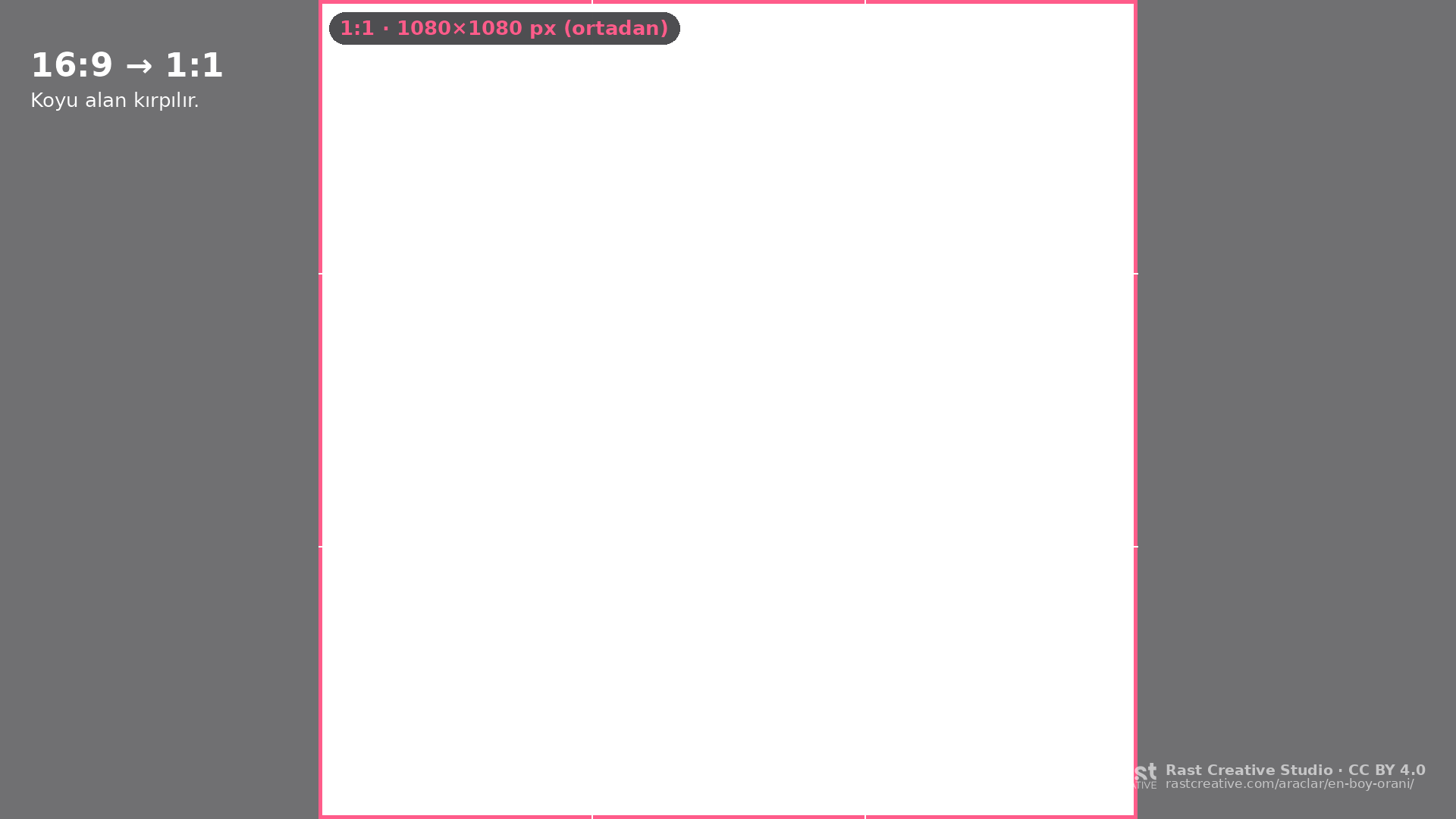
Free transparent crop masks (16:9, 1920×1080)
Put a mask on the top track of your 16:9 timeline; the dark area is what the crop removes. In a 4K project, scale it to 200%. CC BY 4.0: free for commercial work too, the only condition is credit (“Rast Creative Studio — rastcreative.com”).


FAQ
Frequently asked questions
How much of a 16:9 video is left when you crop it to 9:16?
On a 1920×1080 frame, a 9:16 crop leaves a 608×1080 vertical strip: about a third of the picture (32%) stays and the rest is cut from the sides. A 4:5 crop keeps 864×1080 (45%) and a 1:1 crop keeps 1080×1080 (56%).
Does vertical video cut from a 1080p recording lose quality?
Yes, noticeably. The 9:16 strip from a 1080p horizontal recording is 608×1080 pixels; scaled up to 1080×1920 it is enlarged about 1.8× and looks soft. If the same content goes out both horizontal and vertical, shoot in 4K (3840×2160): the 9:16 strip is 1215×2160 and stays sharp when scaled down to 1080×1920.
How do you calculate the crop size for an aspect ratio?
Keep the full height and set the width to height × ratio width ÷ ratio height. For 9:16 from 1920×1080: 1080 × 9 ÷ 16 = 607.5, rounded to 608 px. If that width is larger than the source, keep the full width instead and calculate the height the same way.
Is my video uploaded to a server?
No. The file opens only in your browser, and the crop preview and the PNG downloads are created in your browser too. Nothing is sent to a server, and the tool has no third-party tracking.
How do I use the FFmpeg command from the tool?
Open a terminal in the folder with your video and run the line; replace input.mp4 with your file name. The crop filter cuts the frame you chose, scale brings it to the delivery resolution (e.g. 1080×1920), and the audio is copied as is. In an editor you get the same result by setting the sequence to 1080×1920 and positioning the clip.
Where do I use the crop frame PNG?
Place the transparent PNG on the top track of your 16:9 timeline in Premiere Pro, DaVinci Resolve, Final Cut or CapCut. The dark area is what a vertical crop removes; keep anything important inside the bright area while shooting or editing. Hide the layer before you export.
Is one crop enough if the subject moves?
Usually not. If the subject walks through the frame, keyframe the crop position in your editor, or use automatic tracking such as Auto Reframe in Premiere Pro or Smart Reframe in DaVinci Resolve. This tool is a quick check for a single frame or a locked-off shot.
Cite this tool / link to it
Writing a tutorial, a course or a resource list? Copy the link below. When you use the downloaded templates, the credit line is: “Crop mask: Rast Creative Studio — rastcreative.com”.
Looks like: Crop mask template: Rast Creative Studio, licensed under CC BY 4.0
Sources and notes
The crop sizes are exact arithmetic, not estimates. Platform ratios come from these sources:
- Instagram Help Center, “Reel size & aspect ratios on Instagram”: Reels can be uploaded between 1.91:1 and 9:16, minimum 720 px (accessed 30 Oct 2026). help.instagram.com
- Meta Ads Guide, Instagram feed and Reels ad specs: 1:1 and 4:5 in feed, 9:16 in Reels and Stories (accessed 30 Oct 2026). facebook.com/business/ads-guide
- Instagram's profile grid switching from 1:1 to 3:4: Adam Mosseri's January 2025 announcement, reported by Gadgets360 (accessed 30 Oct 2026). gadgets360.com
- YouTube Help, “Add video thumbnails”: 16:9 recommended for videos (accessed 30 Oct 2026). support.google.com
- FFmpeg Filters Documentation, crop and scale filters. ffmpeg.org
Last checked: 30 October 2026. Platform names are trademarks of their owners; this tool is not affiliated with any platform and doesn't use their logos. UI drawings are illustrative; values can vary by device and app version.
More free tools
See all-
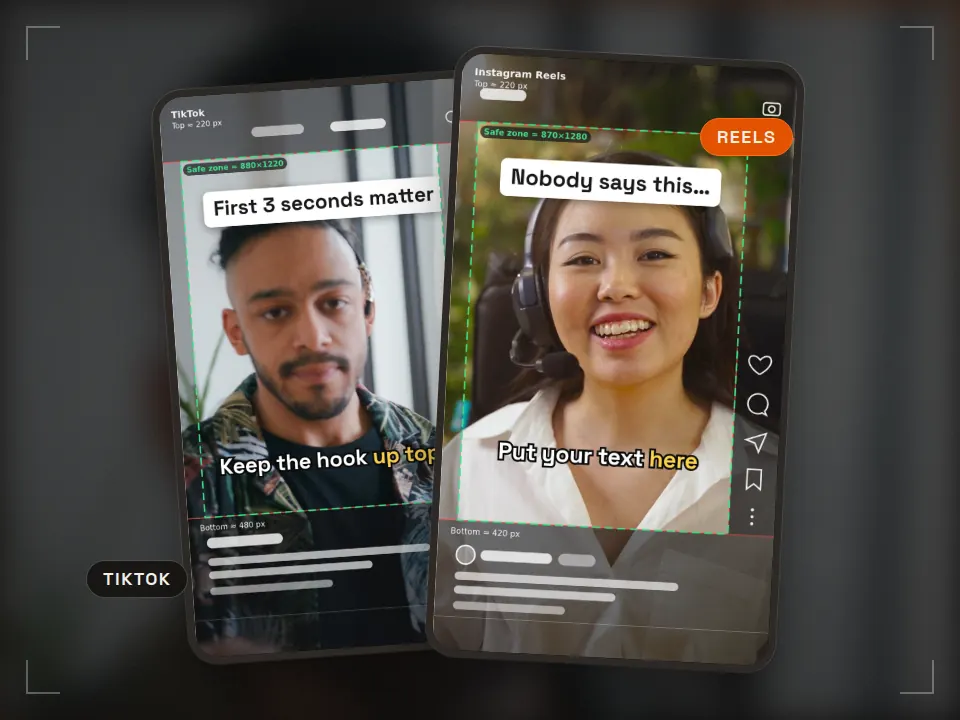 Tool
Tool Safe zone checker
Keep text clear of the app UI Runs in your browserReels · TikTok · ShortsPNG + ZIP templates -
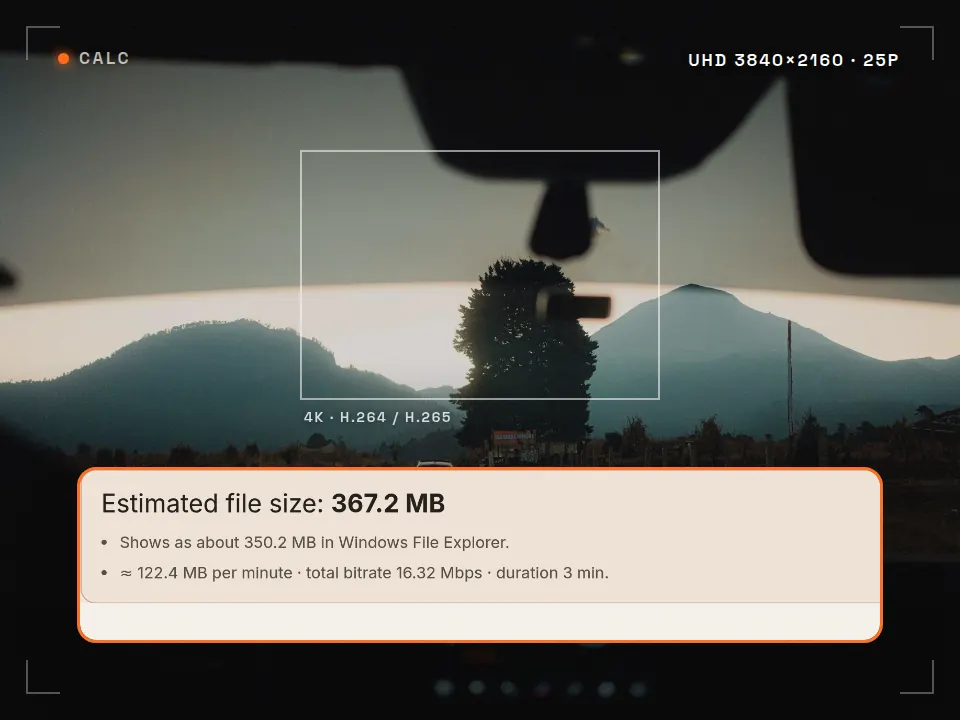 Tool
Tool Video bitrate calculator
Know the file size before you export What is it for? See how big your video will be and whether it fits an upload limit, before you export. Runs in your browserMB · GB · MbpsFFmpeg command -
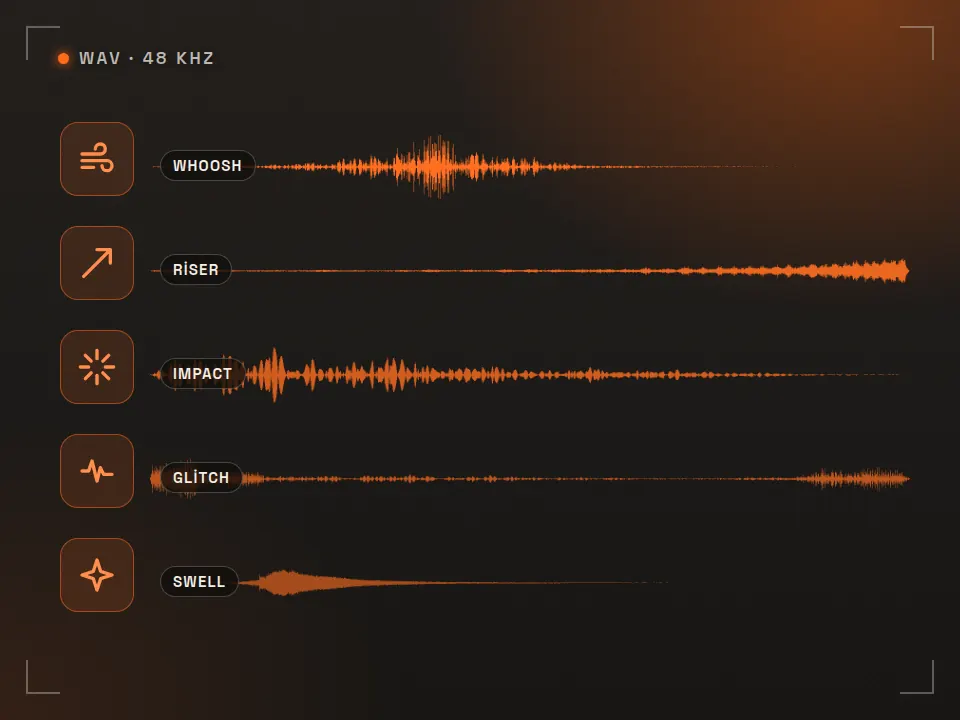 Pack
Pack Free SFX pack
40 edit-ready sounds What is it for? Short free sounds for transitions and accents in your edits. 40 sounds · WAVCommercial use OK -
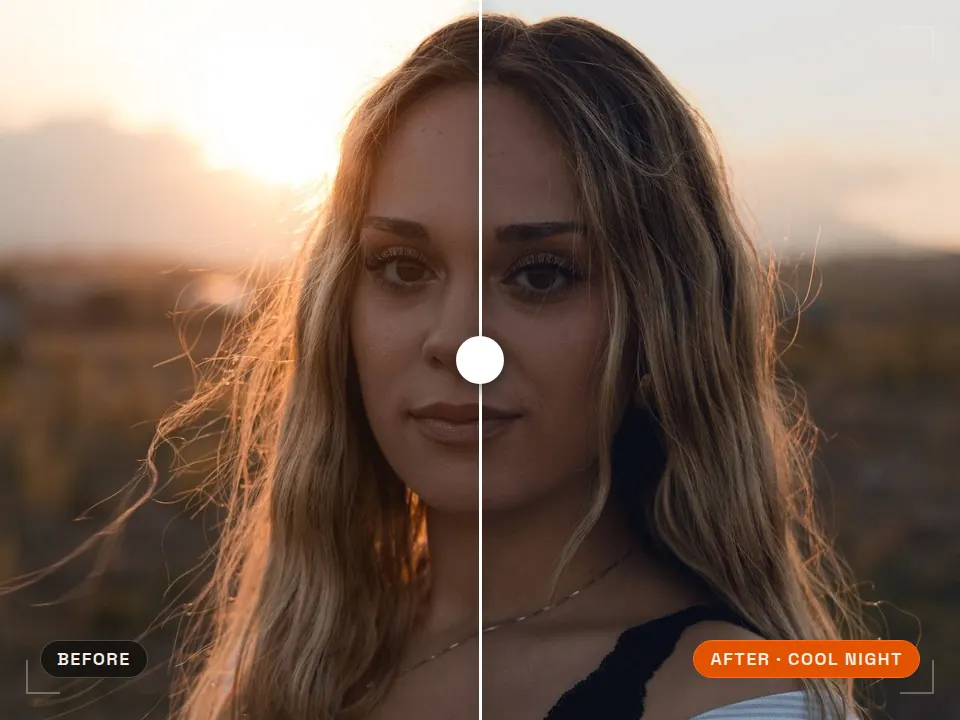 Pack
Pack Free LUT pack
Consistent color in one step What is it for? Ready-made color looks that grade your footage in one click. 5 LUTs · .cubePremiere · DaVinci · CapCut
One shoot, horizontal and vertical video
Rast Creative Studio is a video production studio in Sakarya, Turkey. We plan shoots for several formats from the start, so the horizontal film, vertical Reels and feed cuts all come out of the same shoot day. Tell us about your project, in English or Turkish.
Email the studio