Tool · Free · No sign-up
SRT subtitle checker: test your SRT or VTT file before you publish
Catch long lines, fast reading speed, overlaps and broken characters, then download a clean SRT.
- Runs in your browser
- SRT · VTT
Details
Long lines, subtitles that flash by too fast to read, overlapping times and broken characters like “’” pull viewers out of your video. Open your file and the checker tests every subtitle for line length, reading speed, duration and characters, fixes the simple errors and gives you a clean SRT. Your file never leaves your browser.
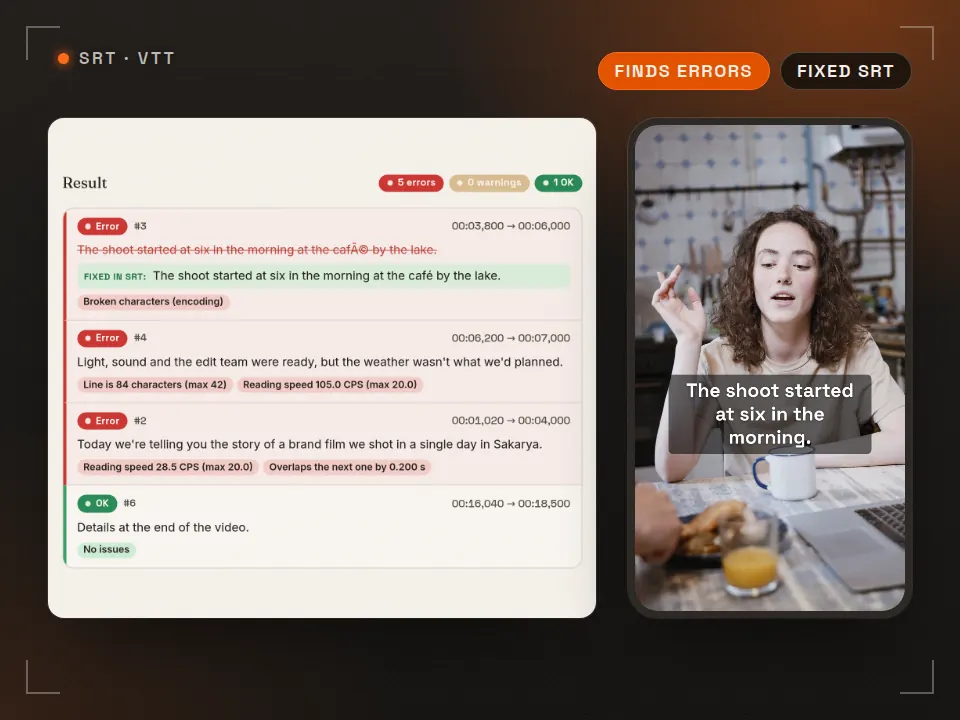
Click a row to show it in the vertical preview below. CPS = characters per second (including spaces).
Burning captions into the video? Try the position and font size; you'll get a warning if the text ends up under the platform UI.
- Open or paste your file. .srt or .vtt. UTF-8 and Windows-1252 encodings are detected automatically. Load the sample file to try it.
- Pick the rules. Netflix English (42 characters, max 20 CPS) or shorter lines for vertical video. Set the frame rate to match your video.
- Fix and download. Click a flagged subtitle to see it in the vertical preview, then download the fixed SRT as UTF-8.
Embed this tool on your site
Preview ↗Free for blogs, course pages and resource lists. Paste the code; the tool runs in your visitors' browser, with no tracking inside the frame.
The credit line under the frame reads: Tool: Rast Creative Studio
Specs
Subtitle rules at a glance
| Rule | Netflix English | Vertical video (recommended) |
|---|---|---|
| Characters per line | max 42 | ≈ 32 |
| Lines | max 2 | max 2 |
| Reading speed (adult) | max 20 CPS | ≈ 17 CPS |
| Reading speed (children) | max 17 CPS | ≈ 13 CPS |
| Minimum duration | 5/6 second (≈0.83 s) | ≈ 1 s |
| Maximum duration | 7 seconds | ≈ 5 s |
| Gap between subtitles | min 2 frames | min 2 frames |
- Most people watch social video on mute. Place burned-in captions above the post caption, around the middle of the screen, and check the position with the Reels safe zone checker.
- Break lines by meaning. Start the second line with conjunctions like “and”, “but”, “because”; don't split an article from its noun or a preposition from its object.
- Save as UTF-8. Some old players and TVs expect legacy encodings, but for the web, YouTube and social media UTF-8 is the safe choice.
- Sidecar or burned in? Upload the SRT as a separate file where the platform supports it (YouTube, Vimeo, LinkedIn); burn captions in for Reels and TikTok if you want full control over the look.
FAQ
Frequently asked questions
How many characters per line should subtitles have?
Netflix's English timed text style guide allows up to 42 characters per line and no more than 2 lines. On vertical video (Reels, TikTok, Shorts) the screen is narrow and the text is large, so we recommend staying close to 32 characters per line; that's our own production practice, not a platform rule.
What is subtitle reading speed (CPS) and what should it be?
Reading speed is the number of characters in a subtitle (including spaces) divided by how long it stays on screen: characters per second. Netflix allows up to 20 characters per second for adult English content and 17 for children's content. The checker warns above a softer target (17 / 13 CPS) and flags an error above the maximum.
What is the minimum and maximum duration of a subtitle?
Under Netflix's general requirements a subtitle should stay on screen for at least 5/6 of a second (about 0.83 s) and at most 7 seconds. Leave at least 2 frames between consecutive subtitles; gaps of 3–11 frames (at 24 fps) are closed to 2 frames.
Why do my subtitles show characters like ’ or é instead of ’ or é?
The file was saved as UTF-8 but a program read it as an older encoding such as Windows-1252 (or the other way round). The checker recognises these broken sequences and turns them back into the right characters in the fixed SRT. The fixed file is always downloaded as UTF-8.
What does the checker fix automatically, and what not?
Automatically: numbering, extra spaces, broken characters, VTT to SRT conversion, overlapping times, gaps shorter than 2 frames, and extending very short subtitles when there is room. Optionally, long single lines are balanced over two lines. Shortening or splitting subtitles that read too fast is an editorial decision, so the tool only flags them.
Is my subtitle file sent to a server?
No. The file is read in your browser and the checks and fixes run in your browser too; nothing is sent to or stored on a server. The tool has no third-party tracking.
Cite this tool / link to it
Writing a tutorial, a course or a resource list? Copy the link below. When you use the downloaded templates, the credit line is: “Subtitle checker: Rast Creative Studio — rastcreative.com”.
Sources and notes
- Netflix Partner Help Center, “English (USA) Timed Text Style Guide”: 42 characters per line; reading speed up to 20 characters per second for adult programs and 17 for children's programs (accessed 30 Oct 2026). partnerhelp.netflixstudios.com
- Netflix Partner Help Center, “Timed Text Style Guide: General Requirements”: minimum duration 5/6 second, maximum 7 seconds, no more than 2 lines (accessed 30 Oct 2026). partnerhelp.netflixstudios.com
- Netflix Partner Help Center, “Subtitle Timing Guidelines”: at least 2 frames between subtitles; at 24 fps, gaps of 3–11 frames are closed to 2 frames (accessed 30 Oct 2026). partnerhelp.netflixstudios.com
- W3C, “WebVTT: The Web Video Text Tracks Format” (for reading and converting VTT). w3.org
- Vertical video UI areas: the approximate values on the safe zone checker. The 32-character and 1–5 s recommendations for vertical video are Rast Creative's own production practice, not a platform rule.
Reading speed is calculated as the number of characters (including spaces, with line breaks and formatting tags such as <i> removed) divided by the duration. Small differences between tools are normal.
Last checked: 30 October 2026. Platform names are trademarks of their owners; this tool is not affiliated with any platform and doesn't use their logos. UI drawings are illustrative; values can vary by device and app version.
More free tools
See all-
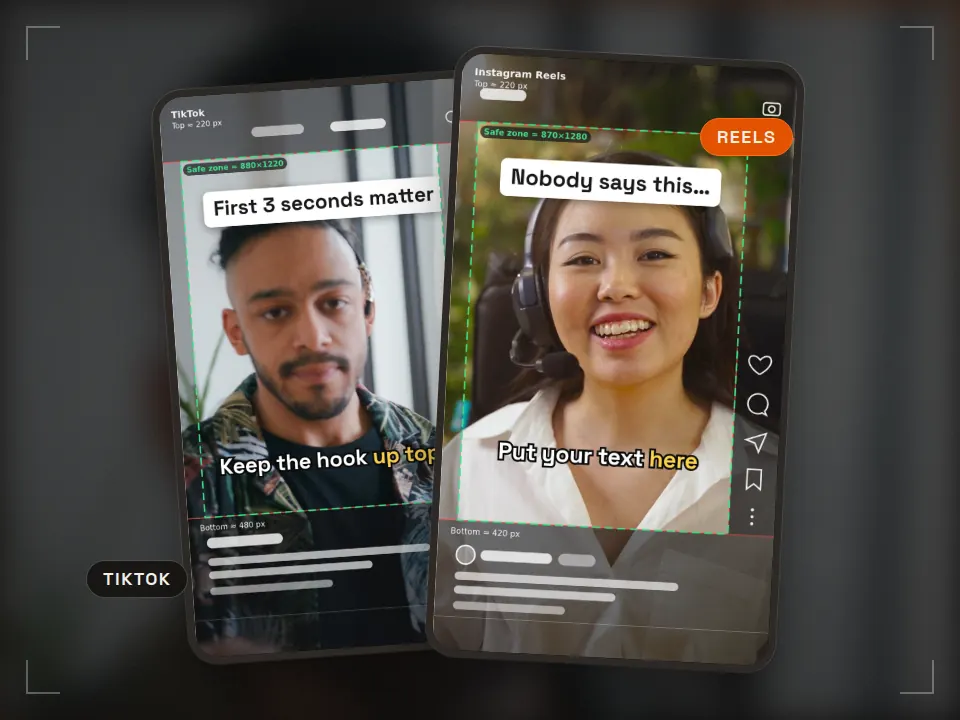 Tool
Tool Safe zone checker
Keep text clear of the app UI Runs in your browserReels · TikTok · ShortsPNG + ZIP templates -
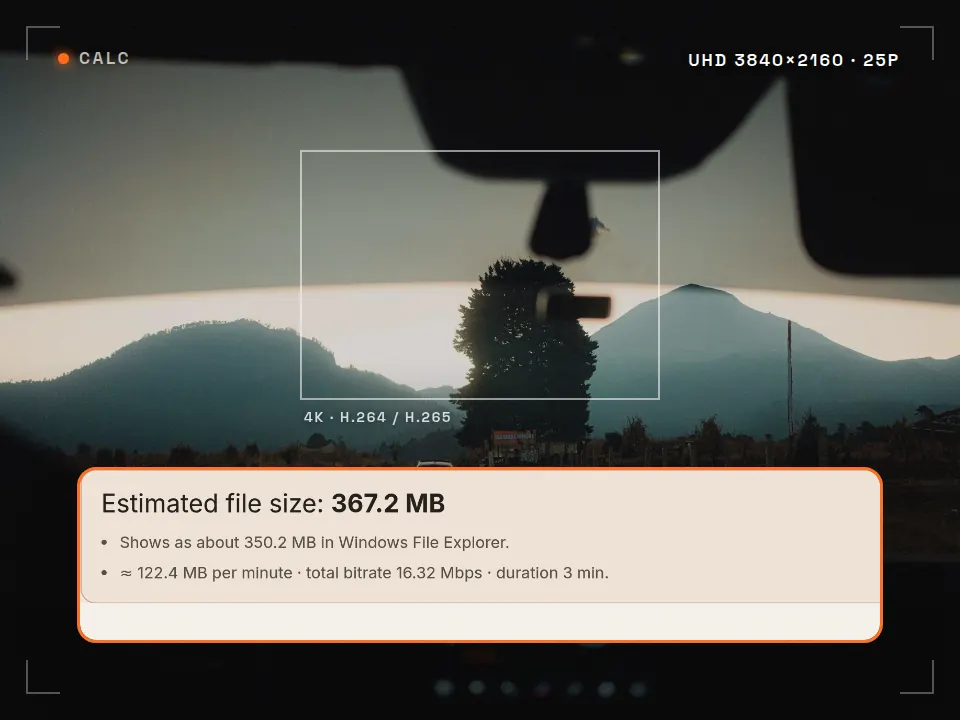 Tool
Tool Video bitrate calculator
Know the file size before you export What is it for? See how big your video will be and whether it fits an upload limit, before you export. Runs in your browserMB · GB · MbpsFFmpeg command -
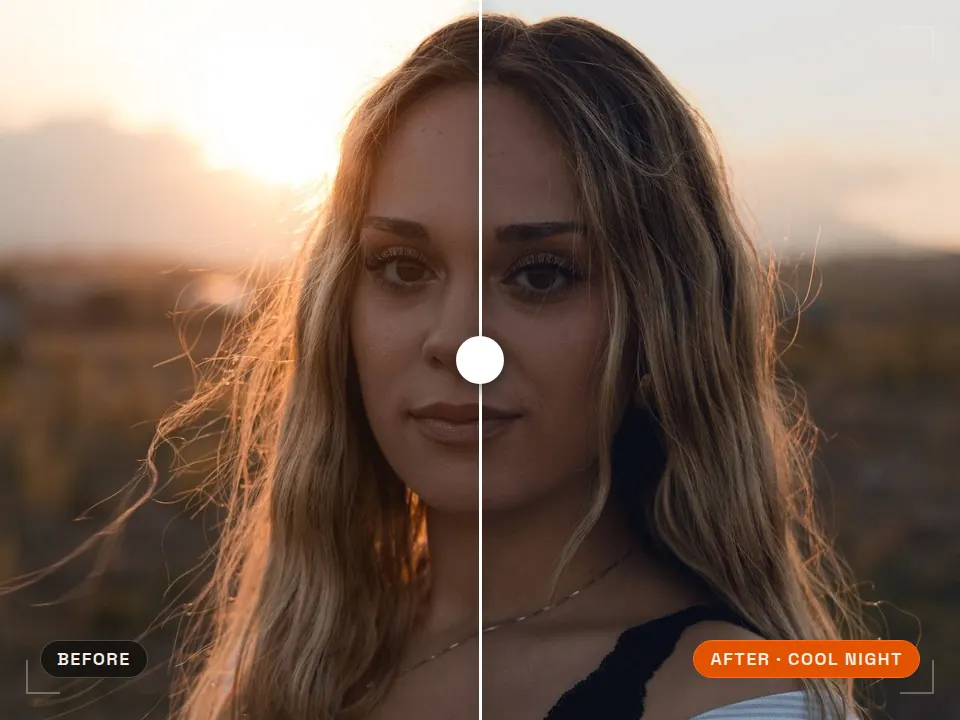 Pack
Pack Free LUT pack
Consistent color in one step What is it for? Ready-made color looks that grade your footage in one click. 5 LUTs · .cubePremiere · DaVinci · CapCut -
 Pack
Pack Free SFX pack
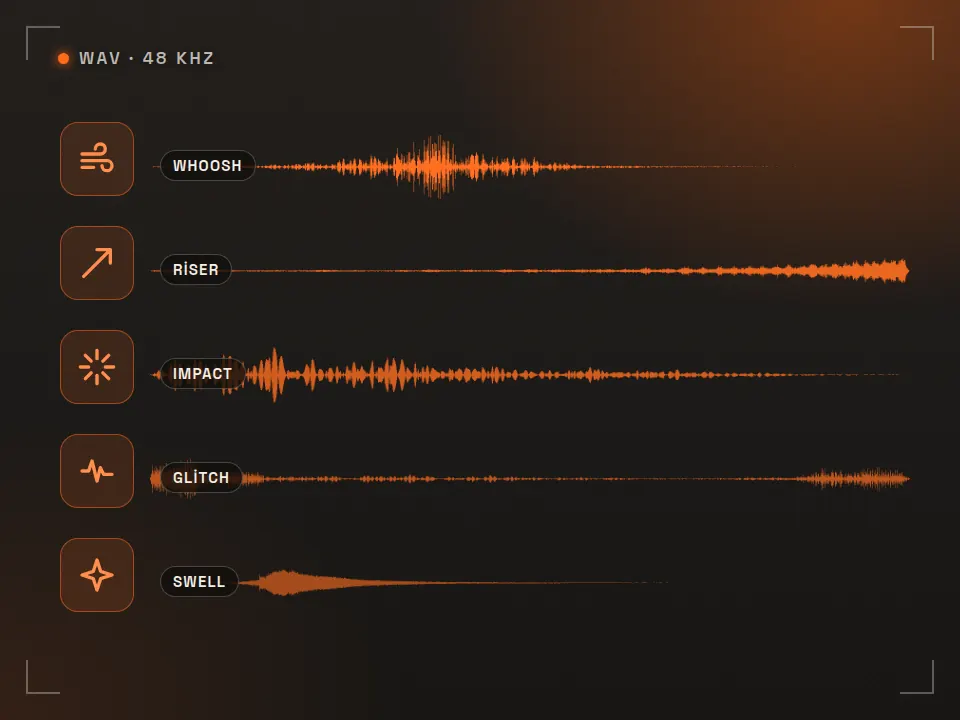
40 edit-ready sounds What is it for? Short free sounds for transitions and accents in your edits. 40 sounds · WAVCommercial use OK
Video delivered with subtitles, edit and every format
Rast Creative Studio is a video production studio in Sakarya, Turkey. We deliver videos with their subtitles: readable placement on vertical formats and exports for each platform. Tell us about your project, in English or Turkish.
Email the studio