Tool · Free · No sign-up
WebP to JPG converter (bulk, free)
Convert WebP, AVIF, PNG and JPG images to JPG, PNG or WebP in bulk, then download a ZIP.
- Runs in your browser
- WebP · AVIF · PNG → JPG
- ZIP
Details
Got a .webp or .avif file that won't open, or need a batch of PNGs as JPG? Drop them here, choose JPG, PNG or WebP and the quality, then download them one by one or as a ZIP. Your images are never uploaded: everything happens in your browser.
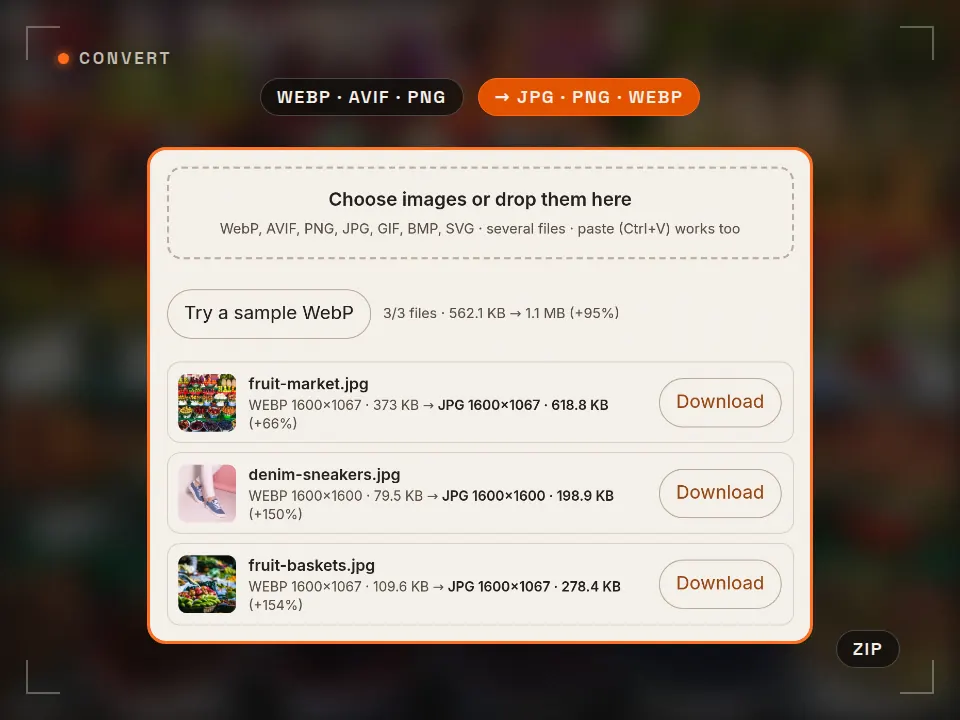
No files yet. Images you add are listed here and converted right away.
Transparent areas turn white in JPG. If format and size stay the same, you get the original file untouched (lossless). Animated GIF/WebP: the first frame is used.
- Add your images. Drop them, pick them, or paste one with Ctrl+V. WebP, AVIF, PNG, JPG, GIF, BMP and SVG all work.
- Choose format and quality. JPG for sharing, PNG for transparency, WebP for the web. Optionally cap the width.
- Download. Each file has its own button, or grab everything as one ZIP. Names stay the same, only the extension changes.
For single images: the PixSwap Chrome extension
PixSwap adds Save image as PNG / JPG / WebP and Copy image as PNG to the right-click menu of any image in Chrome. It takes the largest version a site offers, keeps the original file name, and converts on your device. Free, no limits, no tracking; it asks for access to other sites only when an image needs it, once.
In review at the Chrome Web Store; the install link will appear here once it is published. Privacy policy
Embed this tool on your site
Preview ↗Free for blogs, course pages and resource lists. Paste the code; the tool runs in your visitors' browser, with no tracking inside the frame.
The credit line under the frame reads: Tool: Rast Creative Studio
Formats
JPG, PNG, WebP and AVIF: which one when?
| Format | Transparency | File size | Opens in | Best for |
|---|---|---|---|---|
| JPG | No | Medium | Everywhere | Sharing photos, print, email |
| PNG | Yes | Large (lossless) | Everywhere | Logos, screenshots, graphics with text |
| WebP | Yes | Small (~25–35% below JPG) | Browsers, newer apps | Website images |
| AVIF | Yes | Smallest | Current browsers | Web (this tool reads AVIF, doesn't write it) |
- Why do I get .webp files? Most sites serve WebP or AVIF because they load faster. When you save one, it keeps that format, and some older apps and upload forms refuse it. Converting to JPG or PNG fixes that.
- JPG to JPG again? Each re-save of a JPG loses a little detail. Only re-encode when you need a smaller size or width; otherwise keep the original (this tool hands it back untouched when nothing changes).
- For social media: 1080 px wide is enough for Instagram feed posts. Checking a 9:16 cover? Use the Reels safe zone checker.
FAQ
Frequently asked questions
How do I convert WebP to JPG?
Drop your WebP files onto this page or pick them, and keep JPG as the output format. Conversion starts right away; download each file on its own or all of them as one ZIP. The file name stays the same, only the extension changes to .jpg.
Are my images uploaded to a server?
No. The conversion runs inside your browser (canvas); your files never leave your computer or phone and are not sent to any server. Once the page has loaded, the tool keeps working even offline.
What JPG quality should I use?
For photos, 85–92 is a good balance: the file gets much smaller with no visible loss. Use 95 for images that go to print or will be edited again. Below 80, flat colors and text start to show artifacts.
Should I choose PNG, JPG or WebP?
Choose JPG to share photos or open them in any app, PNG for logos with transparent backgrounds, screenshots and graphics with text, and WebP for images on a website that need to be small. At the same quality, WebP is usually 25–35% smaller than JPG.
What happens to transparency when I convert to JPG?
JPG has no transparency. The tool fills transparent areas with white, not black. To keep transparency, choose PNG or WebP as the output format.
Can I convert animated GIF or WebP files?
Only the first frame of an animated file is converted; the result is a still image. To keep the animation you need a video or GIF editor.
How many files can I convert at once?
The page has no limit; files are processed one after another. The practical limit is your device's memory: hundreds of photos are fine on a computer, and on a phone very large files go faster in a few batches.
Can I save an image as JPG or PNG directly in Chrome?
Yes. The free PixSwap Chrome extension adds “Save image as PNG / JPG / WebP” and “Copy image as PNG” to the right-click menu of any image, keeping the full resolution and the file name. This page is its bulk converter.
Cite this tool / link to it
Writing a tutorial, a course or a resource list? Copy the link below. When you use the downloaded templates, the credit line is: “WebP to JPG converter: Rast Creative Studio — rastcreative.com”.
Sources and notes
How the conversion works and where the format notes come from:
- MDN Web Docs, “HTMLCanvasElement: toBlob() method” and “OffscreenCanvas: convertToBlob()”: browser-side encoding to image/jpeg, image/png and image/webp with a quality value (accessed 1 Nov 2026). developer.mozilla.org
- Google for Developers, “An image format for the Web” (WebP): lossy WebP images are 25–34% smaller than comparable JPEG images (accessed 1 Nov 2026). developers.google.com/speed/webp
- MDN Web Docs, “Image file type and format guide”: JPEG, PNG, WebP, AVIF, GIF support and transparency (accessed 1 Nov 2026). developer.mozilla.org
Last checked: 1 November 2026. Platform names are trademarks of their owners; this tool is not affiliated with any platform and doesn't use their logos. UI drawings are illustrative; values can vary by device and app version.
More free tools
See all-
 Tool
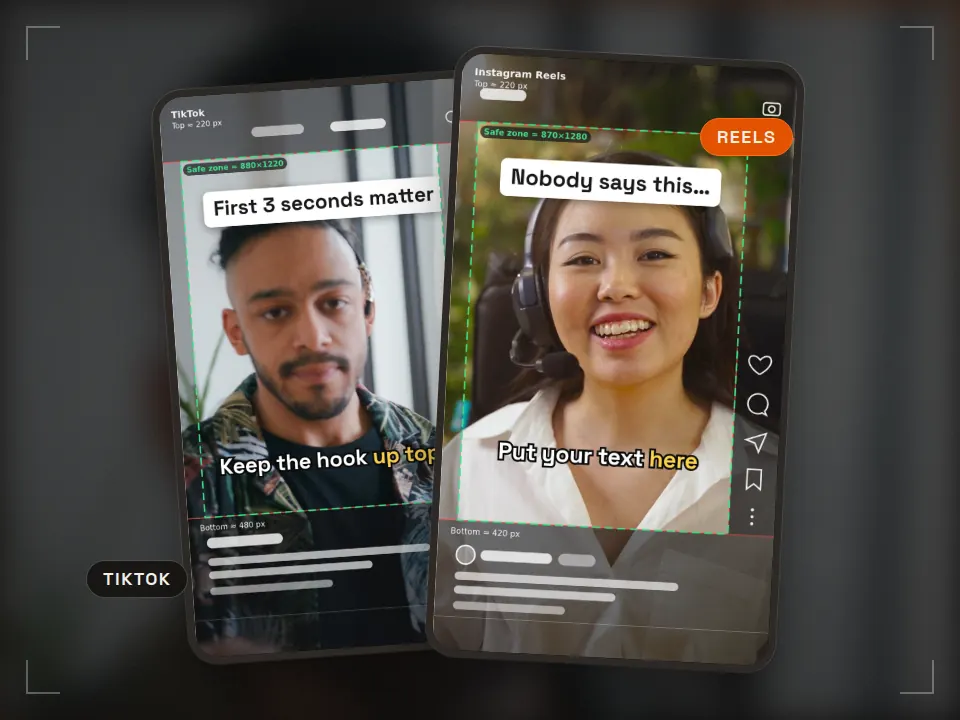
Tool Safe zone checker
Keep text clear of the app UI Runs in your browserReels · TikTok · ShortsPNG + ZIP templates -
 Tool
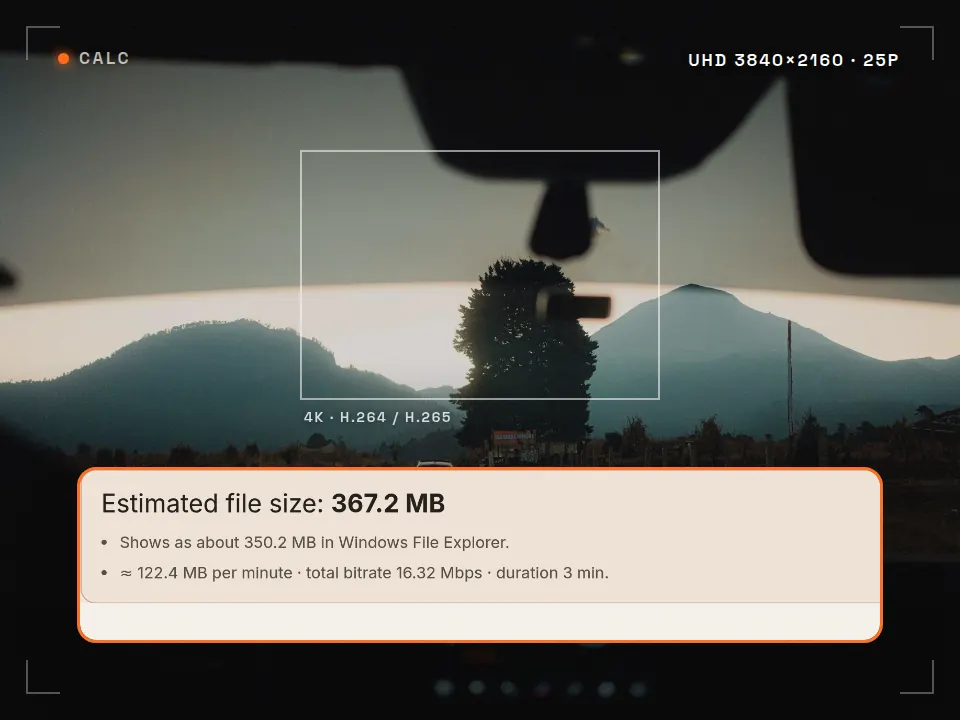
Tool Video bitrate calculator
Know the file size before you export What is it for? See how big your video will be and whether it fits an upload limit, before you export. Runs in your browserMB · GB · MbpsFFmpeg command -
 Pack
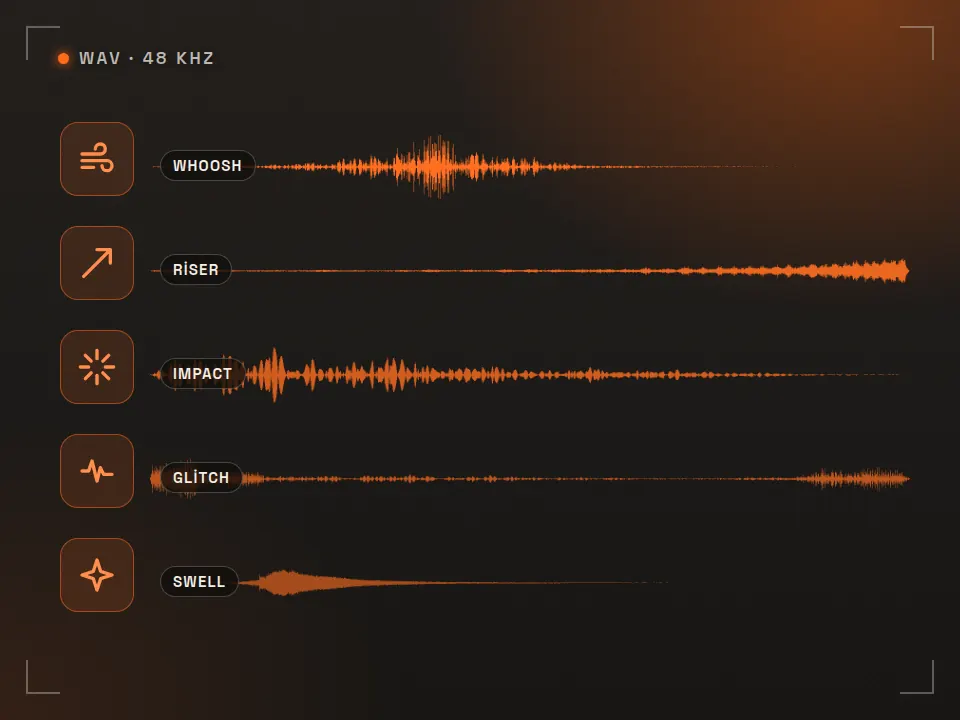
Pack Free SFX pack
40 edit-ready sounds What is it for? Short free sounds for transitions and accents in your edits. 40 sounds · WAVCommercial use OK -
 Pack
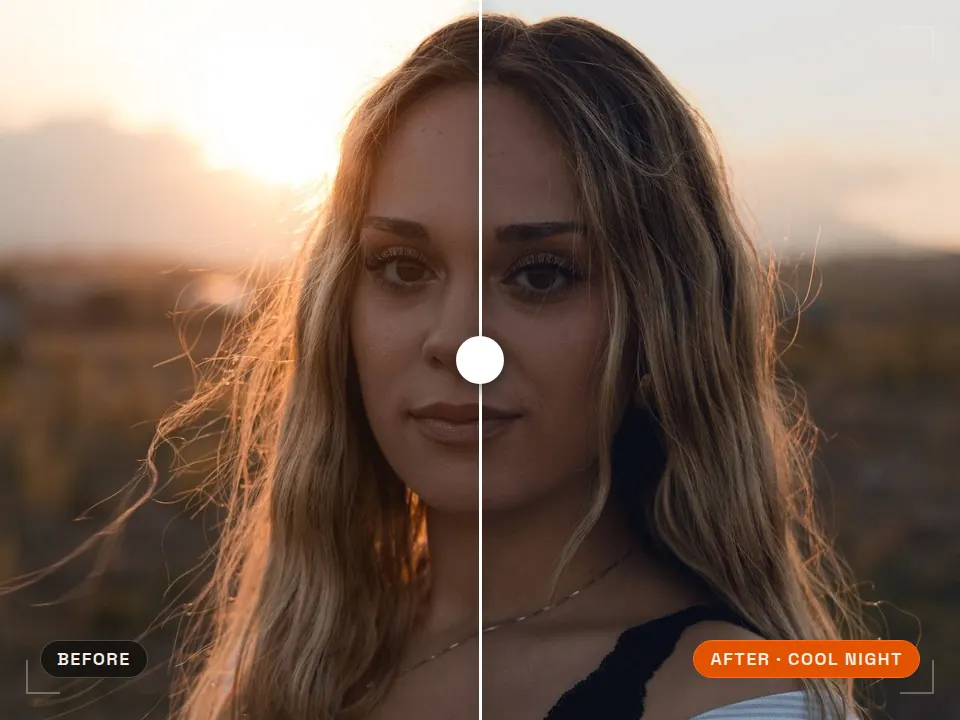
Pack Free LUT pack
Consistent color in one step What is it for? Ready-made color looks that grade your footage in one click. 5 LUTs · .cubePremiere · DaVinci · CapCut
Need images and video that are made for the web?
Rast Creative Studio is a video production studio in Sakarya, Turkey. We shoot product, venue and brand content and deliver it in the sizes and formats each platform and website needs. Tell us about your project, in English or Turkish.
Email the studio